10 World Building Apps for Novelists Who Track Continuity
Every roundup of world building apps tells you the same thing: build a wiki. A page for every character, every city, every faction, a page for the coinage, and by book three you own a second manuscript that resembles the first one but isn't it. The wiki doesn't lie, exactly. It stops being updated around chapter nineteen and then argues with your draft for the rest of the series.
The category is booming anyway. Creative-writing software was estimated at $1.15 billion globally in 2025, heading for $2.6 billion by 2034 at a 9.5% compound annual growth rate, per DataIntelo's market report. Most of that software organizes reference material. Very little of it checks whether the reference material still matches the prose.
That's the split this list tests. Ten apps, one question: does it know what each character knows, where they are, and when it happened? Building a working knowledge base is a solved problem outside publishing. Inside fiction, most tools still hand you an empty box and a wiki syntax.
1. Novelium
A wiki stores the notes you bothered to file. Novelium reads the draft and flags the places where the book disagrees with itself: timeline conflicts, character contradictions, plot and object inconsistencies, and information a character could not plausibly know yet. It does not rewrite your sentences. The prose stays yours, and the bookkeeping gets automated.
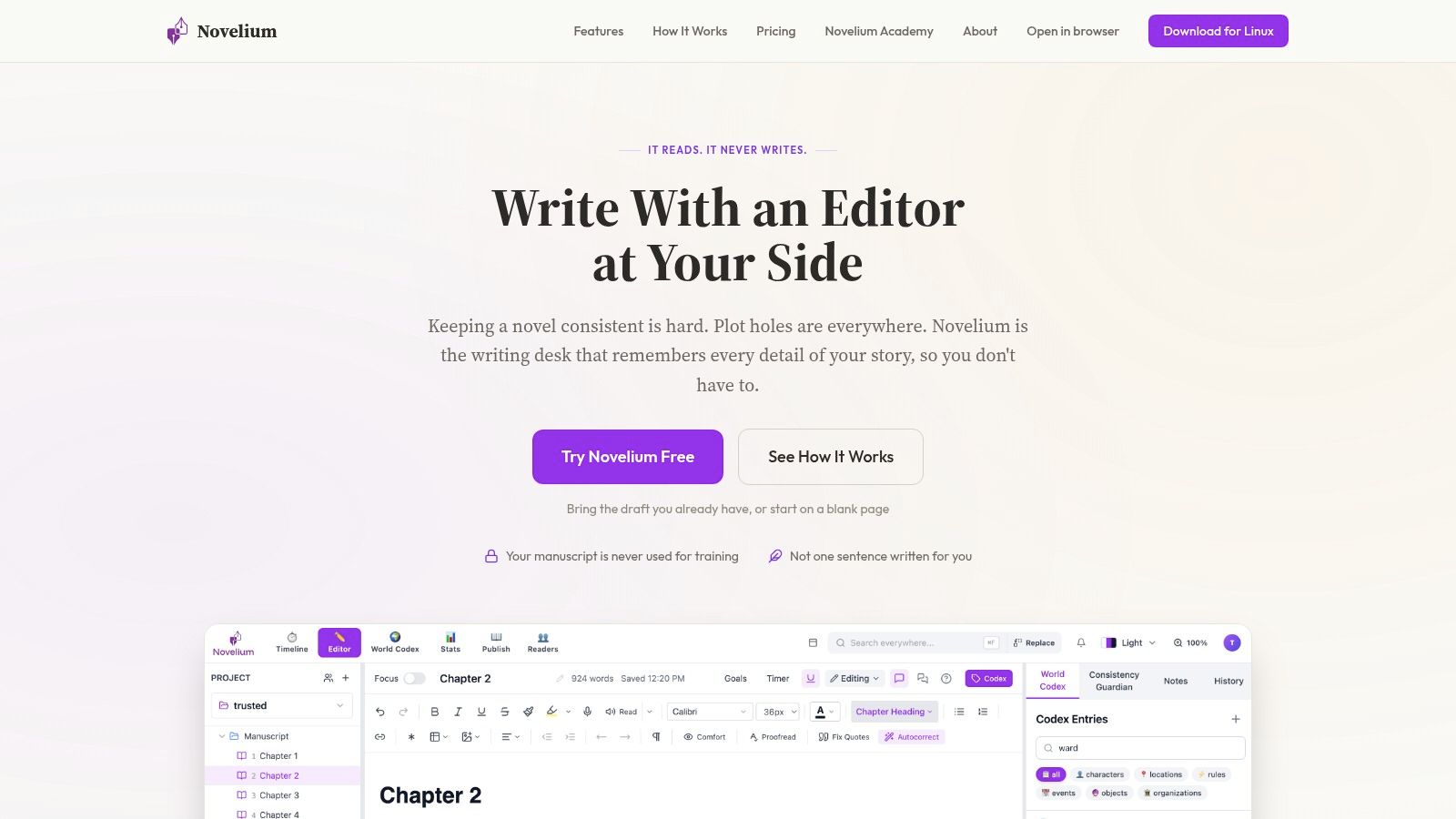
Import covers Word, Scrivener, Google Docs, and plain text, which is how most of a series arrives: half a manuscript in one app, notes in another. You can check live while you type, or run the analysis after a draft lands. Past the continuity flags, it builds character and world references, visual timelines, and pacing views. The beta-reader side tracks who has read what, their comments, and feedback that keeps recurring across readers. That last piece matters once three people flag the same slip and you are still arguing with your own outline.
Privacy is the part I care about. Novelium's site states manuscripts are encrypted and never used for training, and the product details specify on-device processing. You can start free and move to Pro at $19/month. The job here is continuity, not a prettier lore cabinet.
The test that matters: hand a tool book one and book three, then ask it what changed. Only one app on this list answers without you retyping the answer.
2. Campfire
A pretty wiki is the wrong score. Campfire is a reference library you assemble module by module: characters, relationships, locations, maps, timelines, calendars, cultures, species, languages, magic systems, lore, and a manuscript module that exports to PDF and EPUB. It runs in the browser and as desktop and mobile apps, and collaborators can be brought in.
Call it storage. Continuity is a different job. Those modules will not tell you what a character knows in a given scene, where they are, or whether the date still matches chapter twelve. You type the facts. Campfire keeps them. The contradiction stays yours to catch.
The free tier has hard usage caps, small enough that a real novel outgrows them fast. Cross the caps, stop paying, and the overflow goes read-only. Price the plan you will live in before the first chapter lands in the manuscript module.
Practical rule: once the named cast no longer fits on one page, treat the free tier as a demo, not a writing setup.
App-store roundups of this category surface crashes, unreliable saving, and paid desktop limits far more often than they surface continuity checks (appshunter's world-building app index).
3. World Anvil
World Anvil is the biggest thing in this corner of the market and behaves like it. Article templates for characters, places, organizations, and items, interactive maps, timelines, fictional calendars, whiteboards, relationship tools, and permission controls that expose selected pages to co-authors or readers.
That reader-facing side is why it matters. Serialized fiction moved onto networks years ago. Wattpad reported more than 90 million monthly users in 2021 (GeekWire's report on story platforms), and a wiki you can publish doubles as a reader companion between instalments.
For a single standalone novel, the breadth is a tax. Private worlds and the manuscript and notebook tools sit behind a paid membership, and the whole workspace lives online. Novelium's World Anvil comparison is where I'd start if you want the wiki surface without adopting the entire ecosystem.
4. LegendKeeper
LegendKeeper is for writers who think in geography. Pin a location on the map and the lore page attaches to the pin. Nest maps inside maps so the capital opens into the palace and the palace into the room where the argument happens. Timelines, calendars, and boards sit alongside the wiki, and it imports from Markdown and Obsidian if you're migrating an existing project.
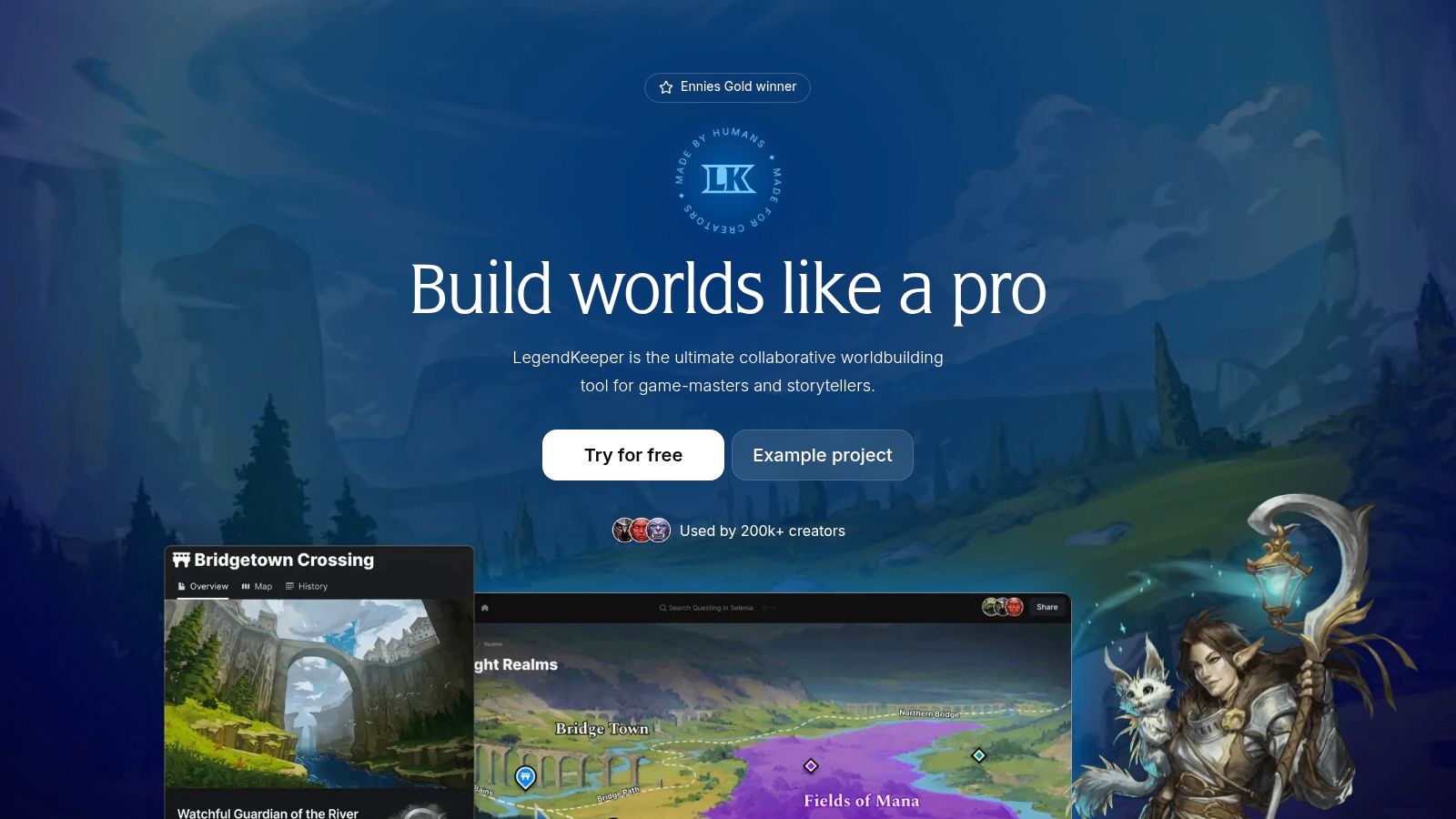
Sharing is generous: free project viewing and exporting, plus a 14-day trial of paid features. Editing your own projects needs a subscription, though, and the workflow is web-first. If your writing happens on a train with no signal, that's a problem rather than a preference.
It's also still described as being in beta, which I'd weigh if a five-book series depends on it. Strong on spatial reference. Thin on what a character knows at any given moment.
5. Plottr
Plottr is an outliner that keeps world notes where the work happens. Drag-and-drop timelines, scene cards, plotlines, chapter structures, and story-bible sections for characters, places, and notes with custom fields. Exports go to Word and Scrivener when the planning is done.
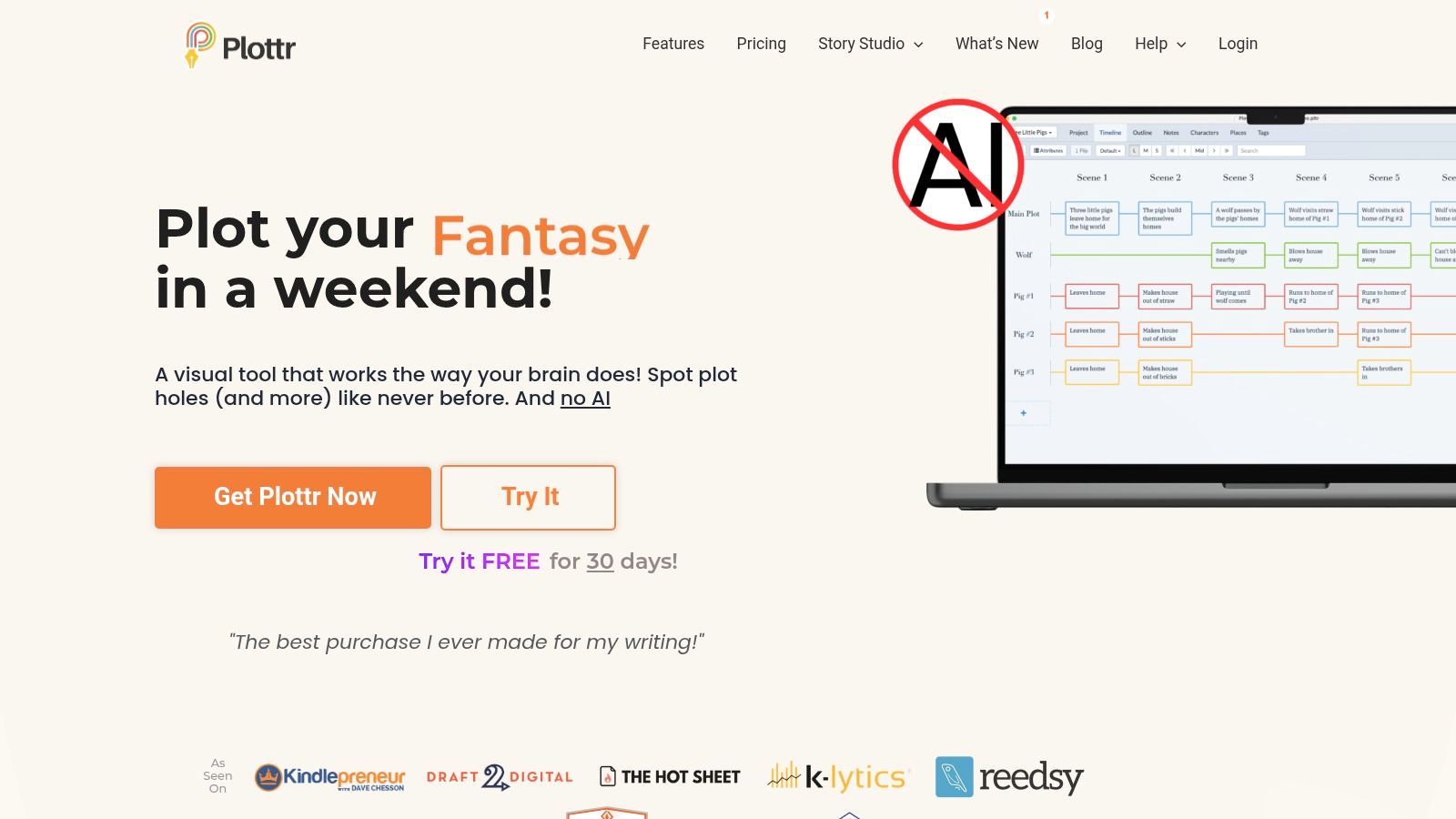
The feature that earns it a place here is the series view, which tracks setting details and events across multiple books. Series continuity breaks at the joins, and almost nothing else in this list looks at the joins directly.
Where it stops: Plottr is not an encyclopedia, so lore-heavy projects end up needing a second tool. Cloud sync and real-time collaboration belong to Plottr Pro rather than the basic desktop plan, and project access terms shift by plan.
If you outline, plot first. Notes pinned to scenes get updated because you keep looking at them. Notes in a separate wiki don't. For the temperament split, Novelium's breakdown of plotters versus pantsers is the more useful read.
6. Notebook.ai
A pretty wiki will not tell you which character still thinks the king is alive. Notebook.ai works as a guided reference library. A long series also needs a record of who knew what, where they stood, and when it happened.
Categories arrive already named: universe, characters, locations, items. Cultures, governments, languages, and religions sit behind the premium tier. Every page type comes with prompts, useful when the blank page is the main obstacle. The free plan gives you enough room to find out whether the structure suits you before you pay for anything.
The fields stay consistent, so scanning a cast for missing traits is fast. Prompts pull out details you would have skipped on your own. Pages live on their servers, searchable and editable from any browser.
I would not trust it with the job that breaks at book three. A legal system with no dropdown analogue means fighting the categories. A prompt-driven profile records the decision you made at the start, not what forty chapters later changed about place, knowledge, or sequence.
7. Obsidian
Obsidian is a notes app, not a world building app, which is exactly why some novelists swear by it. Local Markdown files, links between notes, graph view for seeing which faction touches which city, canvas for diagramming a succession crisis, and a plugin ecosystem that will consume a weekend if you let it.
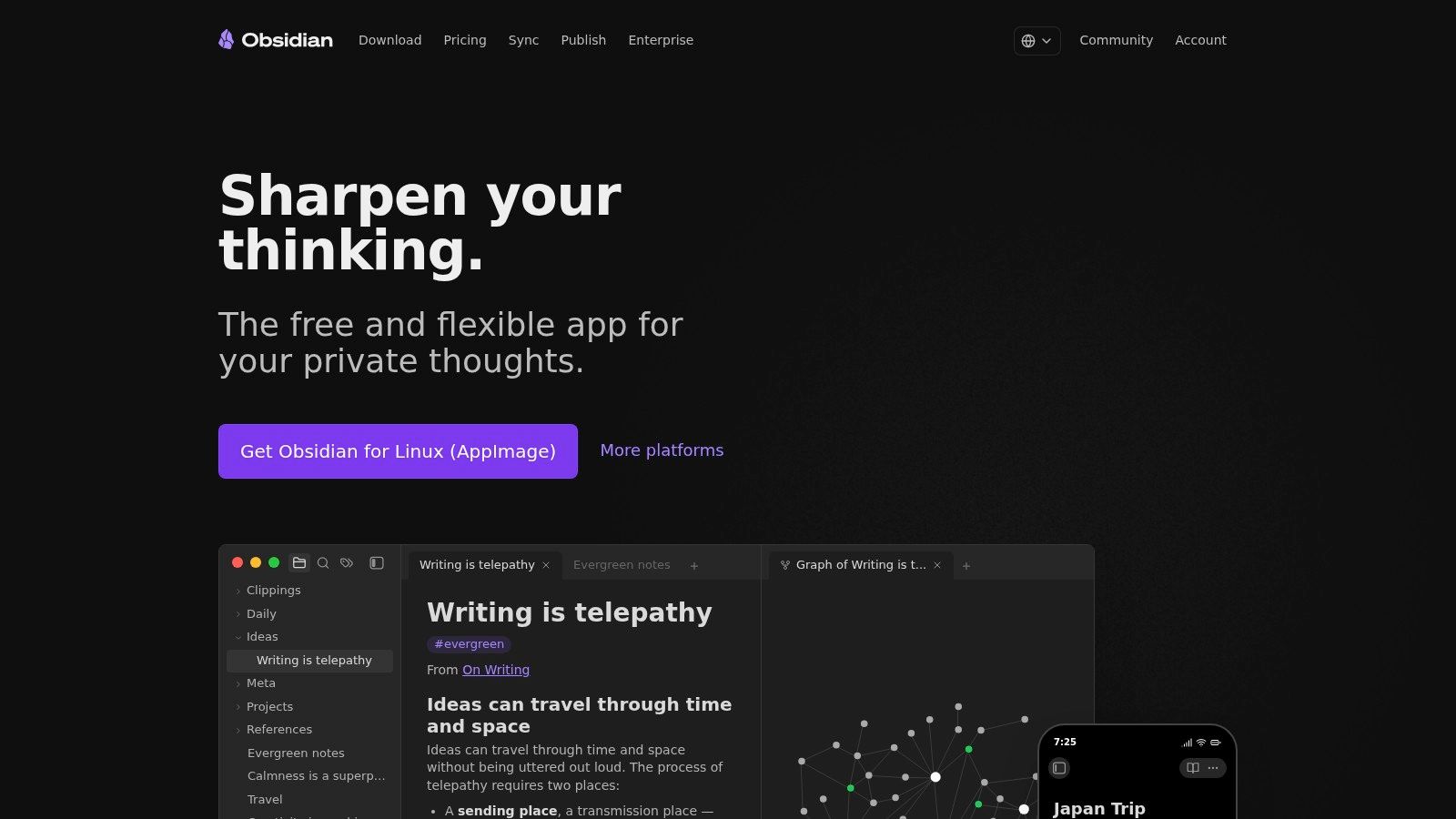
The core app is free, including for commercial use, and the files sit on your disk in a format any text editor opens in twenty years. Sync and Publish are paid add-ons. You build the structure yourself, which means the structure is only as reliable as your discipline in month seven.
Privacy here is real rather than promised, and that matters more than vendors admit. In a 2023 survey of 2,400 Authors Guild members, opposition to letting work train generative systems without permission was described as nearly universal (the ACM paper on writer attitudes). A tool that never uploads a word sidesteps the argument entirely. It also can't tell you your timeline is broken.
8. Kanka
Kanka is a campaign manager that novelists keep adopting. Linked entries for characters, locations, and events, maps with layers and pins, timelines and calendars wired to those records, and permission levels for collaborators. The core worldbuilding features are free, which makes it the cheapest serious option here.
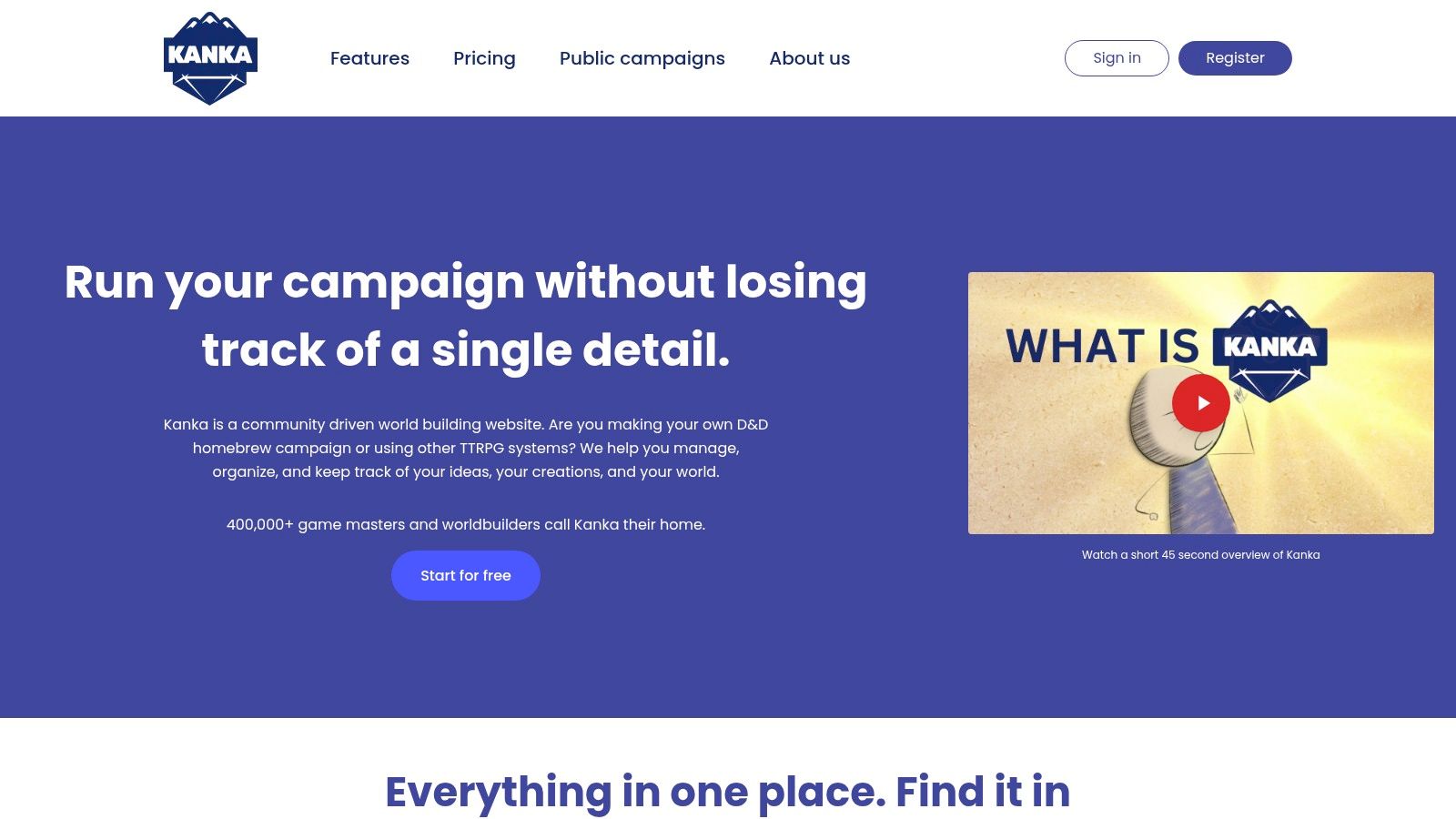
Its vocabulary is tabletop. Campaigns, not series. Sessions, not chapters. If you've run a game, you'll be comfortable in ten minutes. If you haven't, the interface keeps asking you to think in terms of a party of adventurers, and paid benefits attach to campaigns in ways that feel odd for a literary project.
What it does well is relationships. Every entry links to others, so the map, the timeline, and the character page all refer to the same object instead of three near-copies. What it doesn't do is read your manuscript. You maintain the record by hand, and hand-maintained records drift.
9. Scrivener
Scrivener is where a good chunk of this audience already writes, and its research folder is where a good chunk of world notes already live. Binder, corkboard, outliner, compile. The structure is folders and documents, so you invent your own hierarchy for characters, places, and factions.
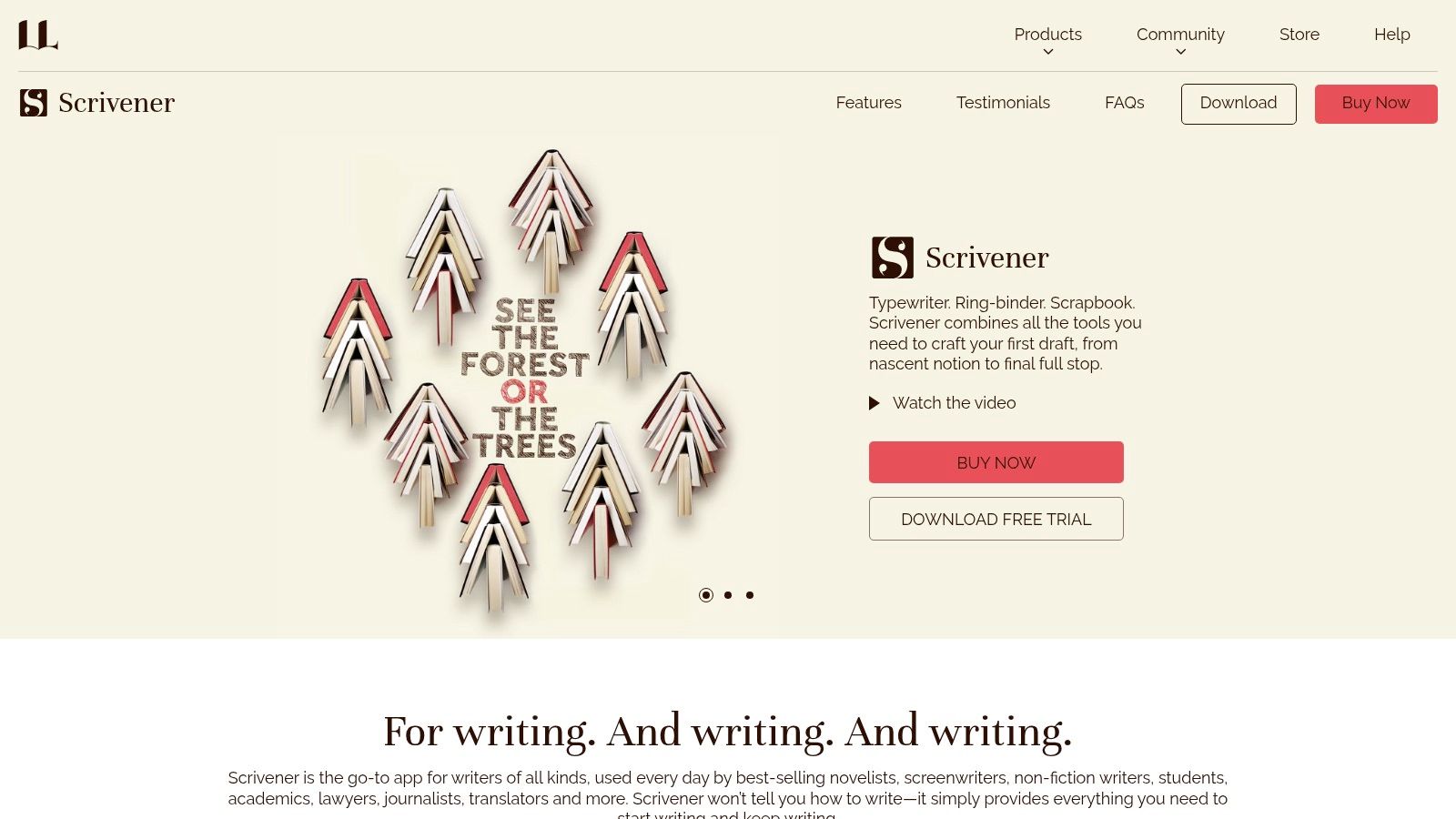
The case for it is proximity. Notes sit in the same project as the scenes, so the odds you open them go up. The case against it is that there's no database underneath: no calendar module, no culture fields, no species records, nothing that knows a character's stated age should still hold thirty chapters later. Device syncing takes care, since the iOS version relies on Dropbox.
For one novel, that's fine. For a series, you're one careless compile away from an argument with your own book. Novelium's Scrivener comparison walks through where the two overlap and where one hands off to the other.
10. Fantasia Archive
Fantasia Archive is free, offline, desktop, and purpose-built for fictional settings. No subscription, no hosted workspace, no account. Project content stays on your machine, which is the right answer for anyone whose unpublished material is also their livelihood.
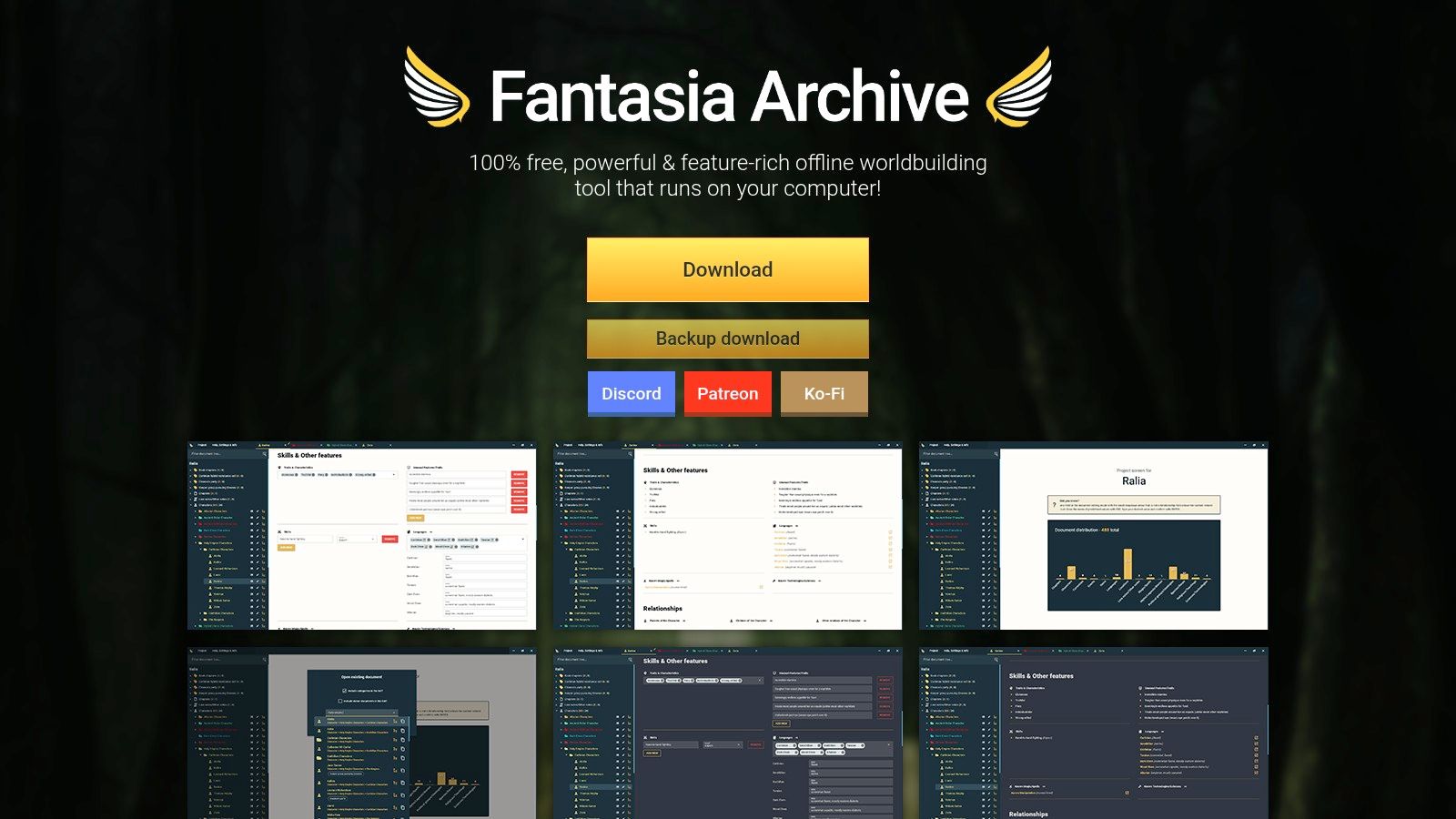
Two things to verify before you commit a series to it. Backups are your responsibility, so a versioned copy in two locations isn't a nice-to-have. And download availability and operating system support change for small projects, so confirm the current build runs on your machine before you move a trilogy into it.
There's no built-in sharing, which rules it out if a co-author or a beta reader needs access. As a single-writer archive with no renewal date, it's honest software. As a continuity checker, it holds what you give it and nothing more.
How the ten world building apps compare on purpose, cost, and where your data lives
Sort these ten by the job they do, not by how full the wiki looks. A continuity check, a note library, and a manuscript binder are different purchases. Cost and where the files sit come next.
| Item | Best For | Free Option | Where Data Lives |
|---|---|---|---|
| Novelium | Fiction continuity checks and manuscript tracking | Free starting plan; paid tiers scale as projects grow | On-device processing |
| Campfire | Authors who want modular worldbuilding and manuscript tools | Free tier with usage caps | Browser, desktop, and mobile apps |
| World Anvil | Large settings needing a structured, shareable wiki | Free tier for core features | Online platform |
| LegendKeeper | Visual worldbuilding with linked maps, pages, and timelines | Free project viewing and exporting; 14-day paid-feature trial | Web-based workspace |
| Plottr | Writers connecting world notes with plot and scene planning | Paid plans; pricing varies by tier | Desktop app; cloud sync in Pro |
| Notebook.ai | Writers who prefer guided templates and predefined categories | Free plan with limits | Hosted web service |
| Obsidian | Writers building a customizable, private worldbuilding wiki | Free core app | Local Markdown files |
| Kanka | Collaborative setting wikis with linked records and maps | Free core worldbuilding features | Online platform |
| Scrivener | Long-form writers keeping research and notes with a manuscript | Paid plans; pricing varies by tier | Desktop project |
| Fantasia Archive | Writers wanting free, offline worldbuilding software | Free to download and use | On the user's computer |
Stop Trusting Memory With Your Setting
Every tool above shares one blind spot, and it isn't storage. A wiki can hold a thousand pages and still fail the question that matters at scale: does this character know this yet?
Reference libraries and continuity systems are different products with different jobs. A reference library records what you decided. A continuity system checks what the manuscript says, in order, and reports where the two part company. Most of the apps here are the first thing wearing the second thing's marketing.
That's why hand-maintained bibles drift. You update the character page when you change your mind, not when you change a sentence, and the sentence is what readers get. A brain dump gets the raw material out of your head (Fluidwave's guide to brain dumps), but a dump isn't a system, and a system that lives in your head is the one that failed you in book two.
Choose the tool that tracks state, not the one with the prettiest map. If you're going to keep one document in sync with 120,000 words of prose, make it a document the software maintains rather than one you maintain between drafts. Our Character Dashboard extracts characters from your text and shows what each one knows at every moment of the story. The World Codex tracks locations, cultures, and world rules, and alerts you when a rule breaks. Run both against the manuscript that's giving you the most trouble, then compare what they find with the documents you already trust. The gap between those two lists is your next week of work.
Novelium reads your manuscript on your own device and flags the timeline slips, character contradictions, and knowledge errors a wiki can't catch, without touching a sentence of your voice. Import a draft from Word, Scrivener, or Google Docs and watch what it finds in the chapter you'd rather forget. Start free at Novelium and let the bookkeeping run itself.