10 Novel Writing Software for Windows: Continuity at Scale
Your organizer is not your continuity editor. That's the mistake most roundups of novel writing software for Windows keep selling you. A pleasant drafting window doesn't save a book at 80,000 words, when a character who lost her phone in chapter three texts someone in chapter twenty-two, or a supposedly dead uncle applauds at a wedding. We've seen those failures repeatedly in series manuscripts. They aren't craft failures. They're tracking failures. So this list judges ten Windows options by a harder standard. What does each tool remember, what does it check, and what does it leave entirely to you, your spreadsheet, and your tired brain at 1 a.m.?
1. Novelium
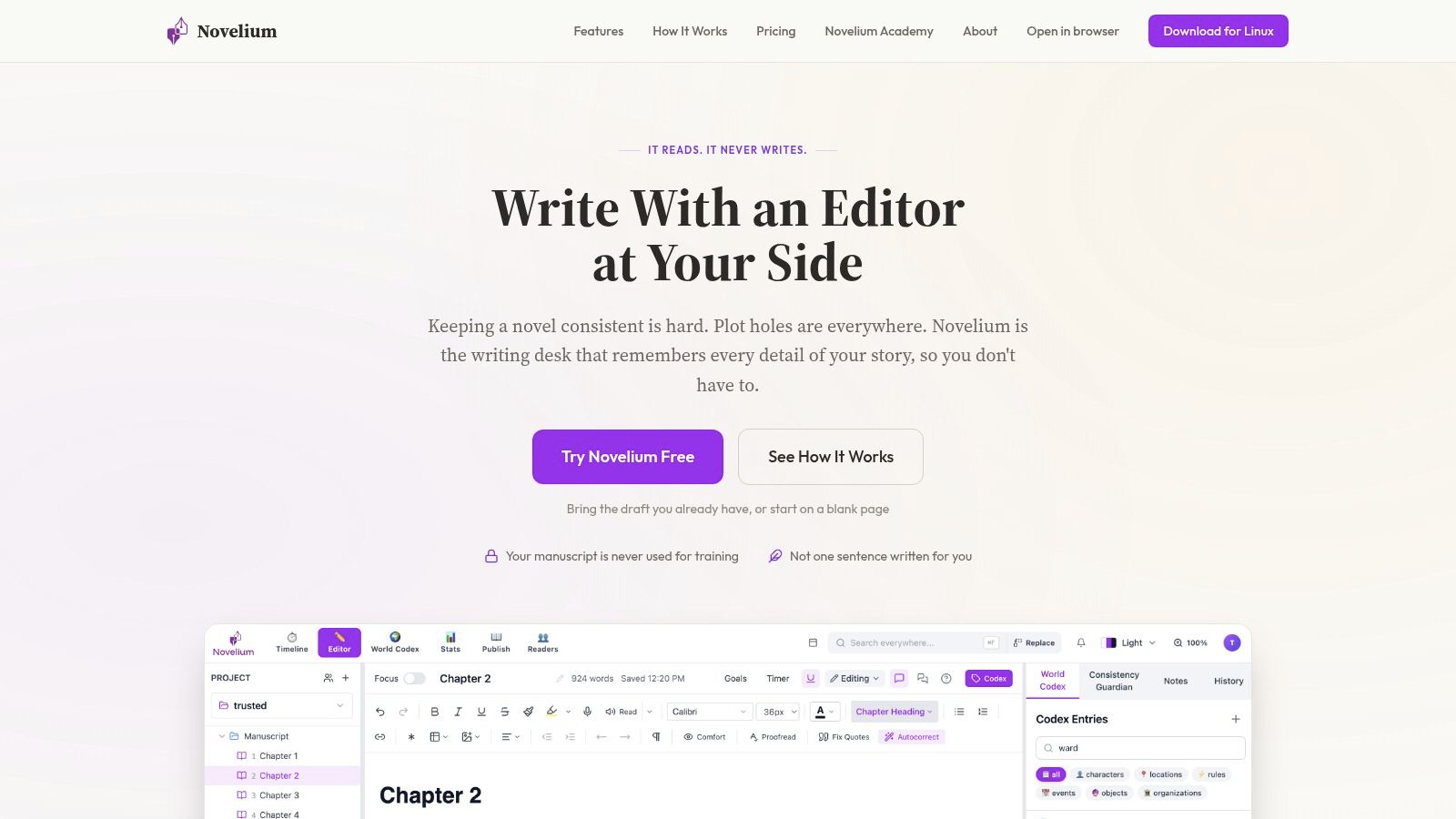
Novelium's Character Tracker and World Codex are designed to check a manuscript for continuity, not just store story details. They track characters, relationships, knowledge states, objects, events, and timelines across scenes, and flag impossible dates, resurrected characters, or characters acting on information they have not learned. That gives you a way to examine continuity as a draft grows, though no automated check replaces a writer's review of context and intent. For more on its place among novel writing software workflows, the feature set includes a distraction-free editor, scene organization, pacing analysis, a visual timeline, a beta reader dashboard, and print-ready PDF and EPUB export.
You can import from Word, Scrivener, Google Docs, or plain text, then analyze a manuscript live or in batches. Novelium describes manuscripts as encrypted, processed locally, and never used for training. The free plan covers one project; Pro and higher tiers support full-length and series work. That combination makes it worth evaluating for writers who want continuity checks alongside drafting and organization.
2. Scrivener
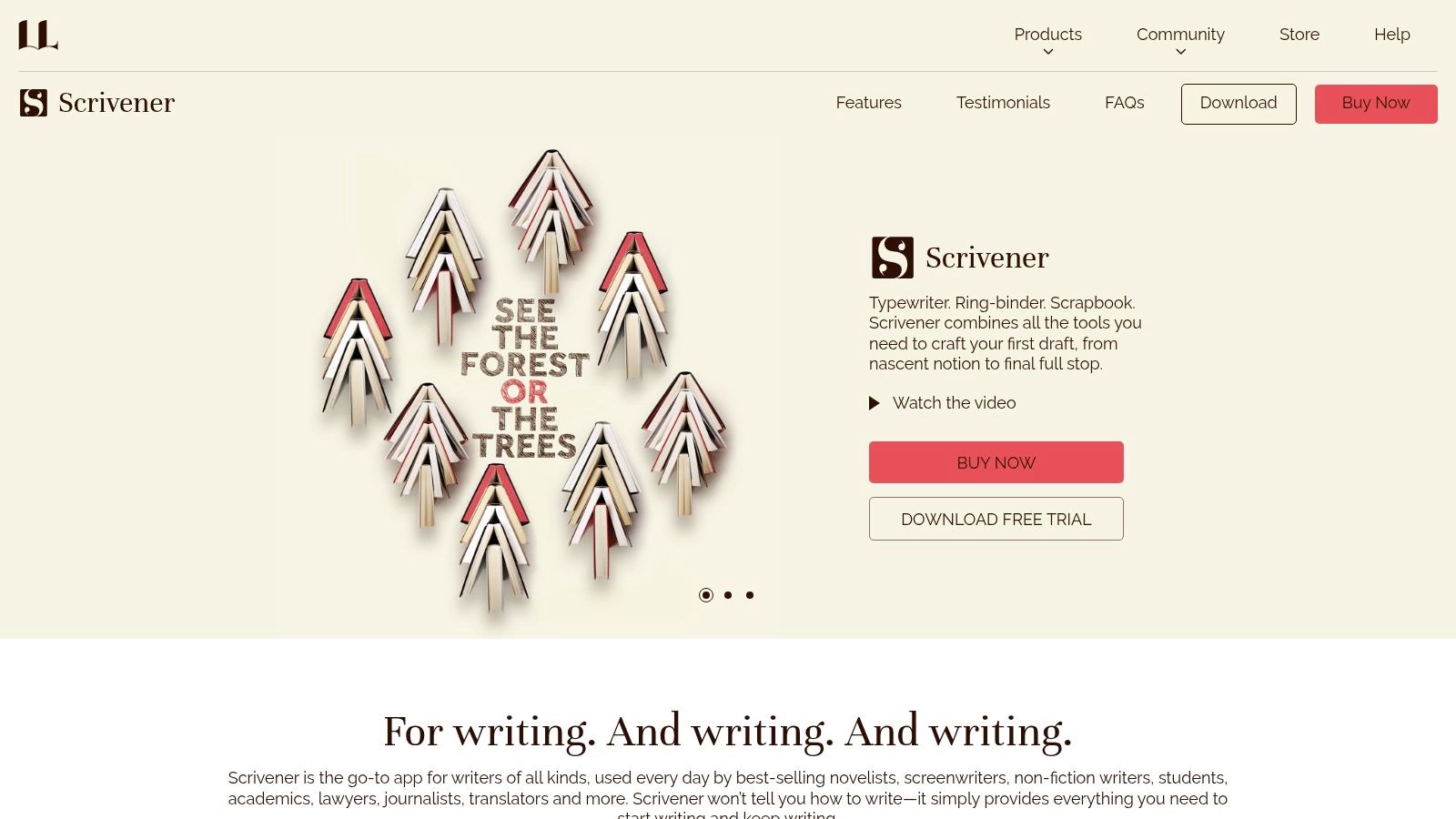
Scrivener is a strong organizer, built around a novel's moving parts rather than one endless document. It first shipped commercially in January 2007, with the Windows edition following in 2011). The Binder, Corkboard, and Outliner let you rearrange scenes; Scrivenings gives you a continuous read, while Snapshots save a scene before a major rewrite. That setup earns its keep during structural revisions.
At 80,000 words or across a series, though, organization is not continuity checking. Move a scene earlier and Scrivener won't flag a character referring to a murder before it happens. Its job is to hold and arrange the draft, not verify the manuscript. See this comparison of Novelium and Scrivener's continuity checking. The one-time Windows license and trial make it good value for writers who want control over structure. The Binder, Corkboard, Scrivenings, and Snapshots workflow is capable, but you still have to catch continuity errors yourself.
3. Atticus
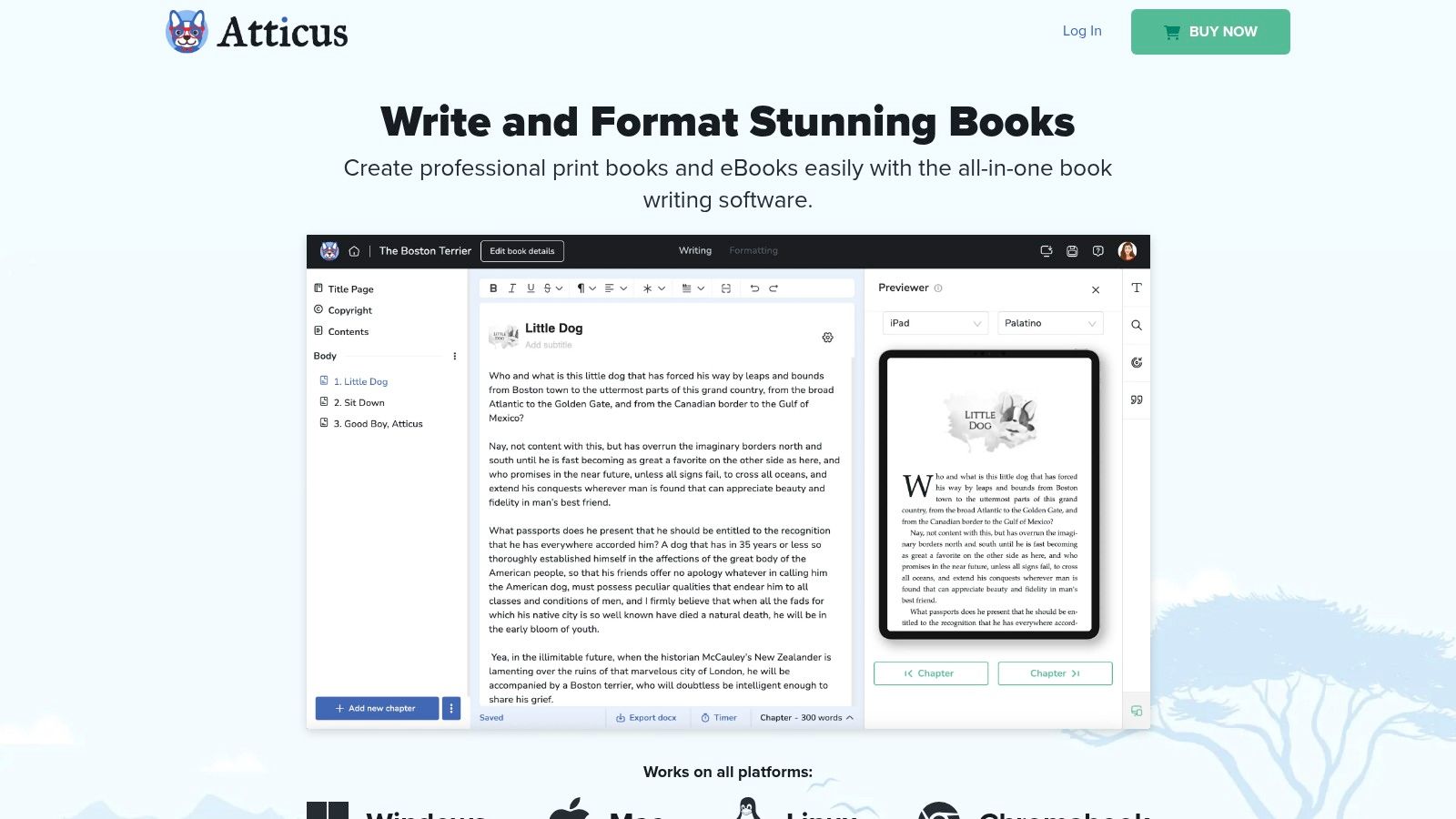
Atticus earns its place if formatting is where your process breaks down. It's browser-based on Windows, combines drafting with ebook and print preparation, and lets indie authors keep production in one place. Chapter organization and word count goals are competent. The formatting tools are what make its one-time price worth paying.
As a continuity tool, it's thin. Atticus won't track whether your heroine's eye color, injury, or knowledge state shifts across a trilogy. That's not a flaw if you buy it as a formatter. It's a problem if you buy it expecting manuscript intelligence. Plenty of writers draft elsewhere, bring a clean book into Atticus late, and get exactly what they paid for. That division of labor is honest. Just don't confuse a beautiful exported EPUB with a coherent timeline. Formatting polishes the container. It says nothing about what's inside.
4. Dabble
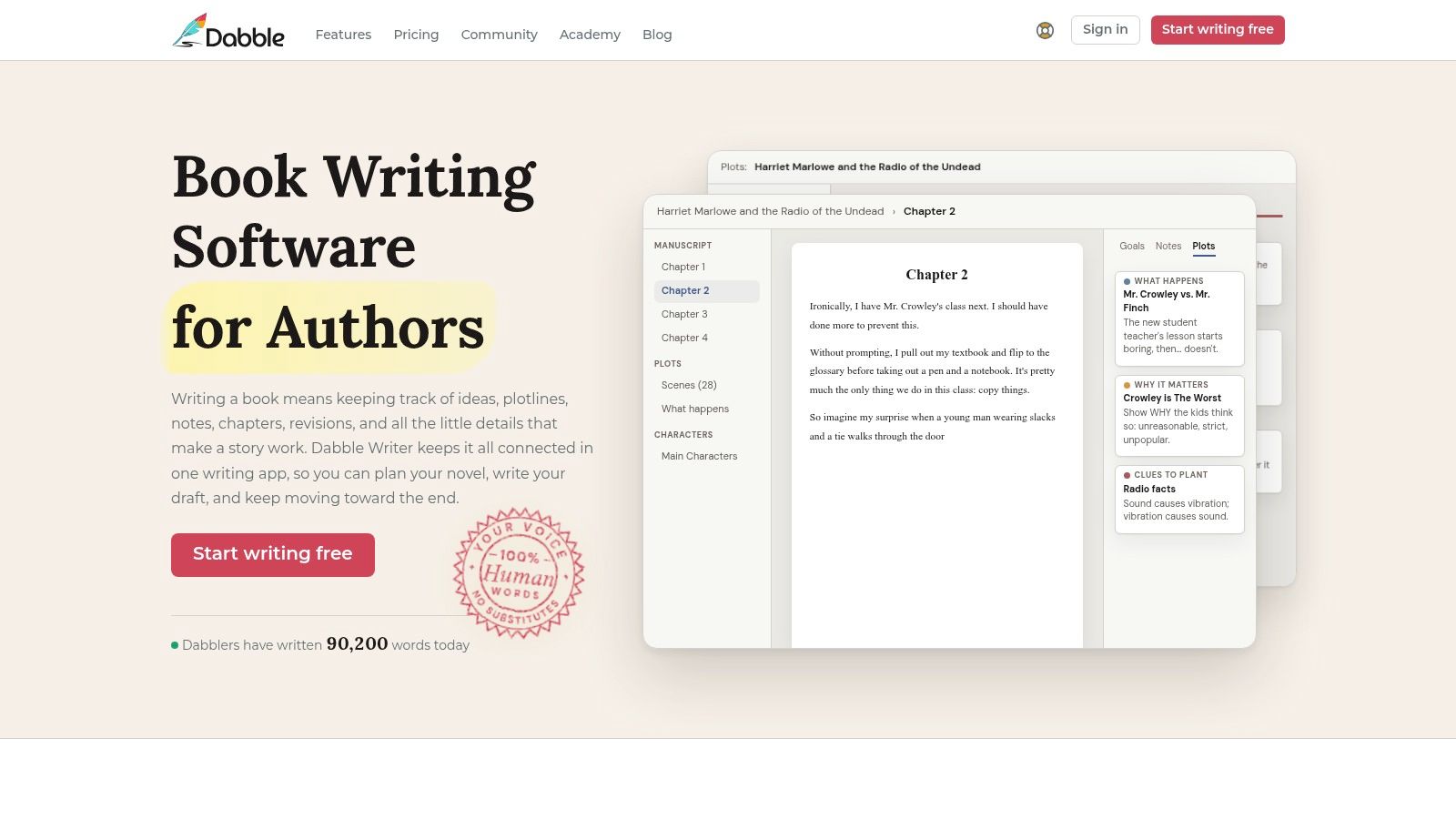
Dabble sells simplicity, and for writers who bounce off Scrivener's density, that's legitimate. You get a Windows desktop app plus browser access, offline writing with sync when you reconnect, a Plot Grid, story notes, and progress tracking. The trial doesn't require a credit card. Subscription tiers add up over a long series, so do that math before book one, not book four.
The Plot Grid helps you see storylines side by side. It doesn't read your scenes. If you forget to update a card after a revision changes who was present, where an object ended up, or when a secret was revealed, the grid faithfully displays the wrong information. That's the recurring weakness of static profiles. They're accurate only on the day you wrote them. Dabble is a comfortable drafting home. Continuity still lives or dies on your discipline updating notes after every structural change, and most writers stop doing that by mid-draft.
5. NovelPad
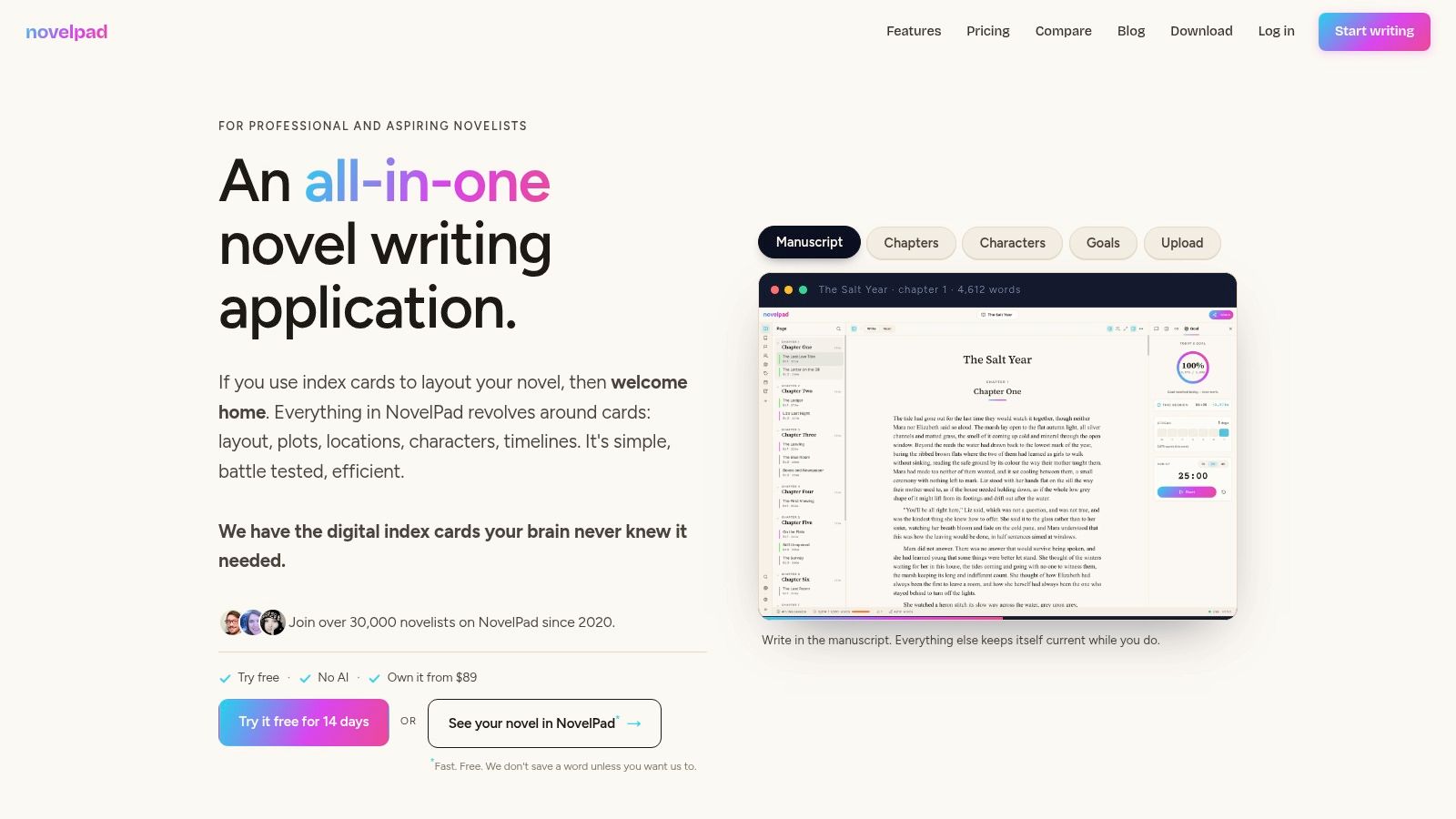
NovelPad gets closer to useful tracking than most drafting apps. Scene and chapter boards, character boards, a timeline, and character appearance tracking give you a fighting chance on a large cast. It offers offline desktop writing, version history, and Word and EPUB export, with cloud sync and beta reader sharing on paid plans. The desktop-only option will appeal if you want files staying on your machine.
Privacy warning: Local files reduce vendor exposure, but an unbacked-up manuscript on one dying drive isn't private. It's just lost.
That trade-off is exactly why privacy-first coverage separates processing, retention, and recoverability. NovelPad's desktop route helps on storage. You still own backups, encryption decisions, and export testing. Its boards also remain human-maintained. Helpful, structured, better than a questionnaire, but not verification.
6. Plottr
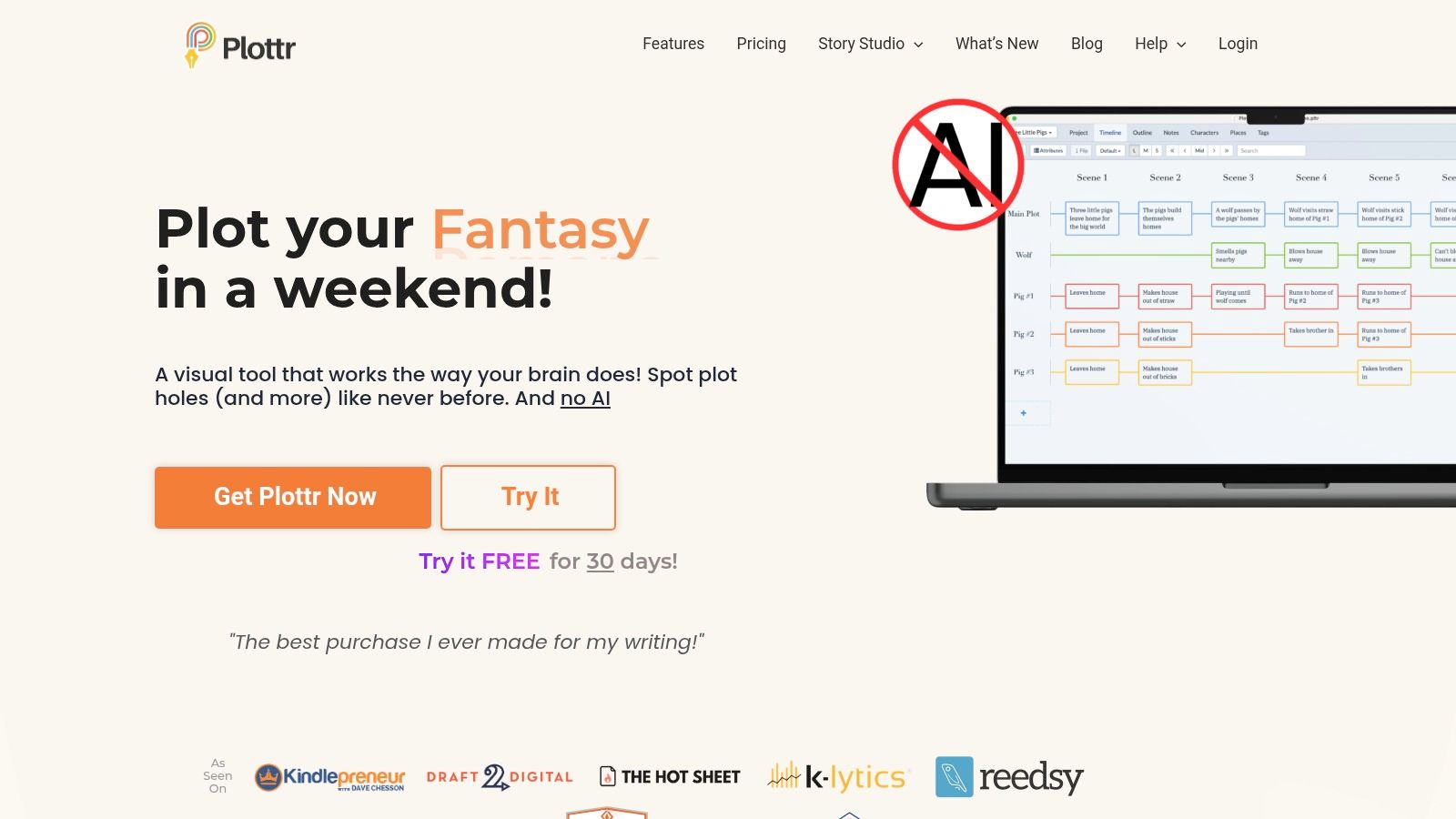
Plottr is a visual planning tool for Windows, not a manuscript editor. Its timelines, plotlines, scene cards, and series-bible material for characters and locations help you see where subplots collide. For writers who think spatially, moving cards around can clarify structure. The base desktop version works offline and stores files locally; Pro adds browser access and cloud sync.
Your process matters. The guide to plotters versus pantsers and outlining habits explains why discovery writers may build a board after drafting and use it as a revision map. That can help, but the map reflects what you remember, not necessarily what the manuscript says. Plottr organizes continuity notes; it does not check them against your prose. At 80,000 words and across a series, that distinction matters: a board can show what you believe happens, but it cannot flag a contradiction between chapter seventeen and chapter four.
7. bibisco
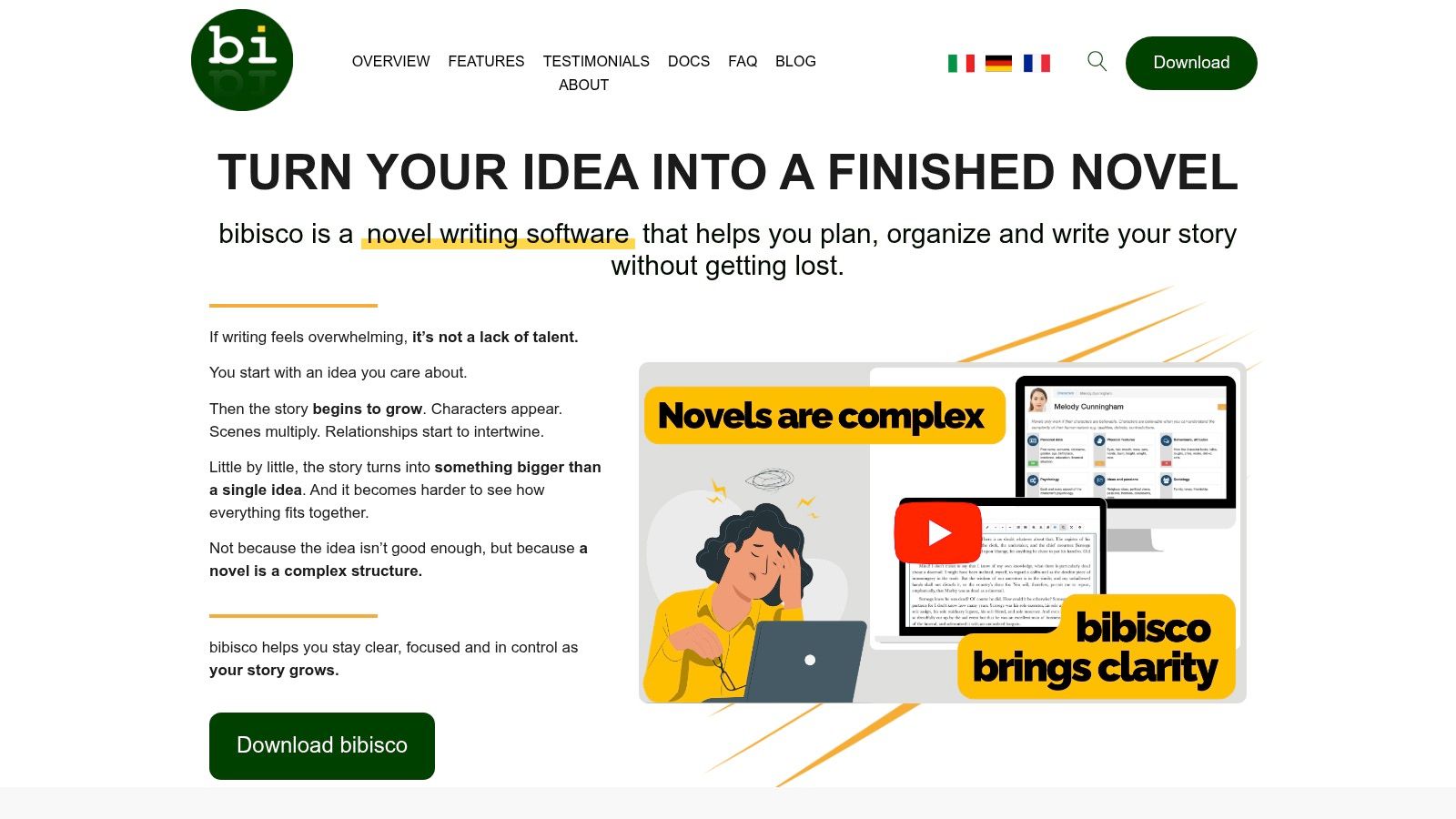
bibisco combines Windows drafting with planning, and its free Community Edition is a real option for writers who won't pay subscriptions. You get character interviews, locations, objects, storylines, chapters and scenes, timeline and outline tools, mind maps, and export to DOCX, PDF, TXT, and EPUB. The paid Supporters Edition is a one-time purchase with updates.
Here's our blunt take. The character interview is the weakest part for professionals managing continuity. Knowing a character's favorite song doesn't prevent contradictions. Knowing he was unconscious during the confession scene does. Questionnaires collect trivia because trivia is fun to fill in. Tracking needs state changes: injuries, knowledge, possession of objects, relationship shifts, location by scene. bibisco gives you places to record some of that, especially objects and storylines. Use those fields ruthlessly and ignore the interview fluff. The tool improves a lot once you treat it as a ledger, not a personality quiz.
8. novelWriter
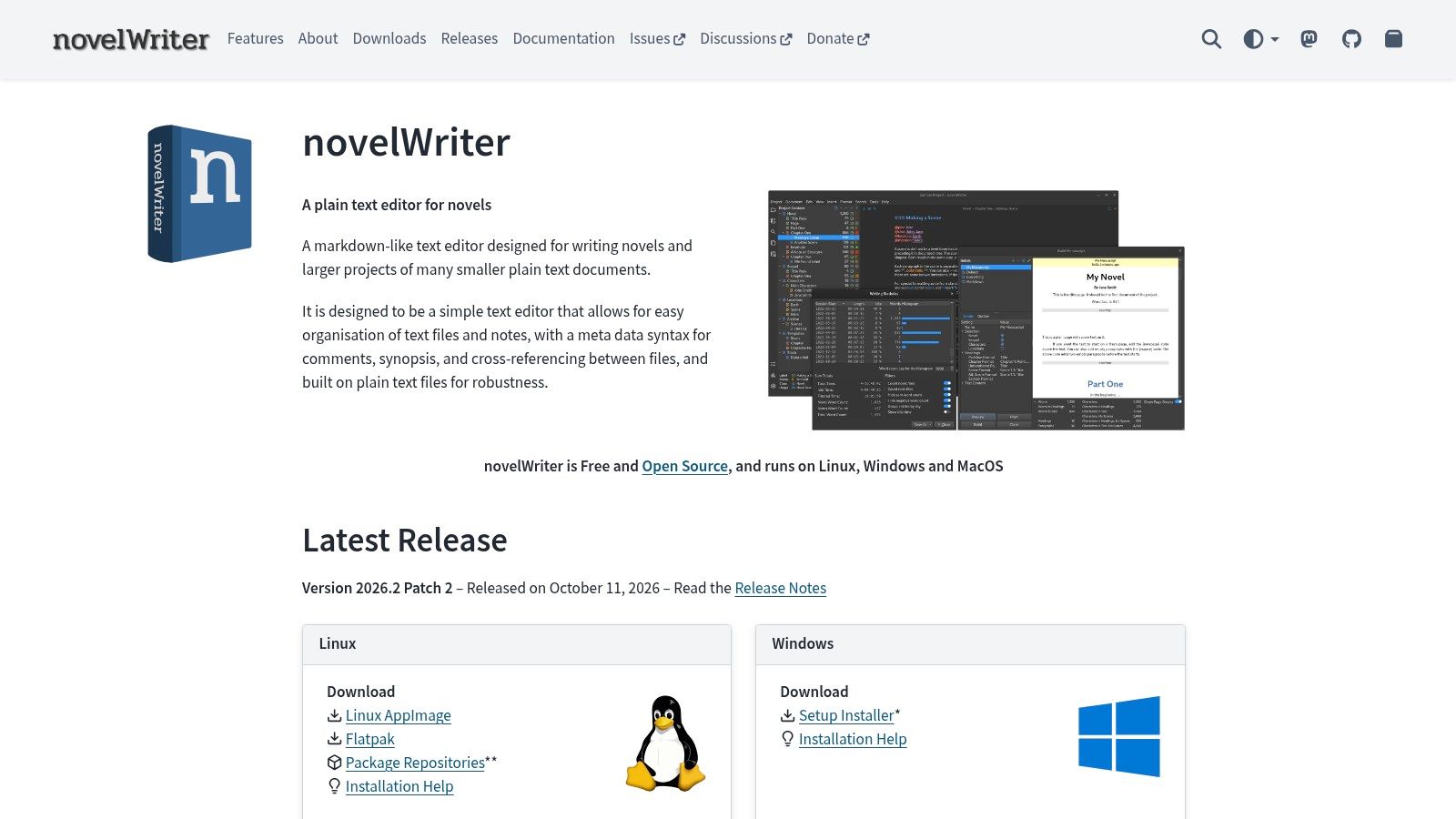
novelWriter is free, open source, and built on plain text, which makes it the portability purist's choice. Your novel lives as linked project documents in a tree, with metadata, comments, cross-references, outline views, and exports to DOCX, ODT, PDF, HTML, and Markdown. If proprietary lock-in worries you, this is as clean an exit strategy as Windows writing tools offer.
Cross-references deserve respect. Tagging characters, places, and objects consistently lets you pull every mention before a revision pass. That's manual continuity work, but it's structured manual work, and it scales better than searching a single Word file. The cost is comfort. Rich formatting while drafting isn't the point, metadata conventions take learning, and there's no publishing suite attached. Writers who think in Markdown will feel at home. Writers who want cards, boards, and visual timelines won't. Either way, your files remain readable without the app, which matters more than most feature lists admit.
9. yWriter
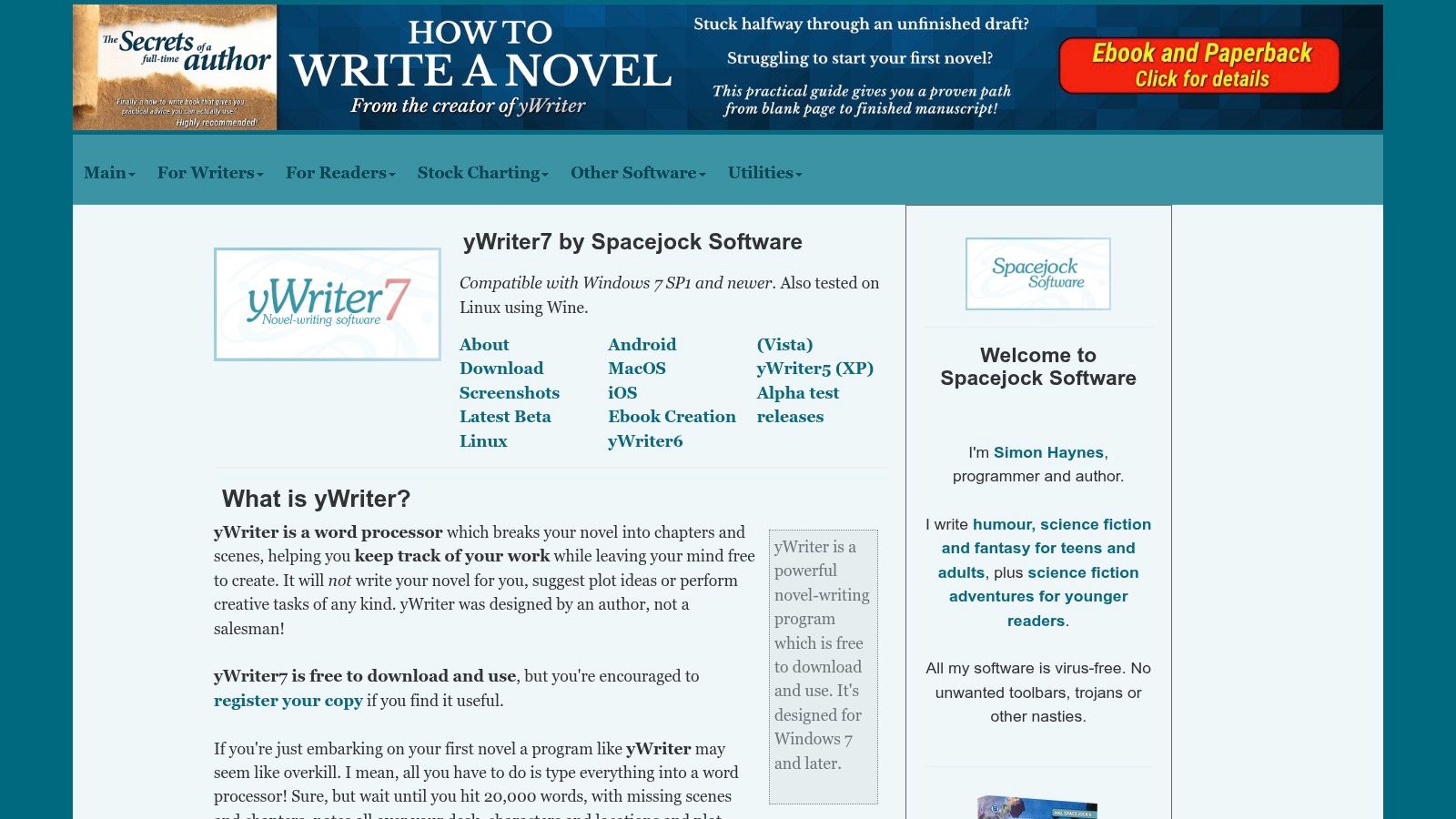
yWriter is free, local, unfashionable, and smarter about scenes than tools costing real money. It organizes a novel as draggable scenes and tracks characters, locations, and objects per scene, plus notes and word count progress. No cloud account required. The interface looks dated. Ignore that if the underlying model fits how you revise.
Scene-level tagging is the right granularity. Continuity errors happen between scenes, not in a character profile written six months earlier. If you record who's present, where they are, and what they're carrying, you've built data you can audit. The catch is upkeep. Skip tagging for twenty scenes during a fast draft and the system decays. We've observed this pattern constantly. Manual tracking doesn't fail because writers are lazy. It fails because revision changes facts faster than anyone updates the side documents.
10. The Novel Factory
The Novel Factory wraps drafting and planning inside a step-by-step roadmap, with character prompts, location and worldbuilding organization, a plot manager, manuscript sections, and writing statistics. There's a browser app and a downloadable Windows version, a trial without payment details, and subscription or lifetime options. If guided process keeps you finishing books, that structure has value.
Experienced series writers should look harder. A roadmap teaches sequence. It doesn't monitor state. Character prompts filled in during planning won't evolve when your third draft moves a betrayal from chapter ten to chapter twenty-five, unless you go back and rewrite them. Version 3 also syncs through cloud storage, so it isn't a local-only workflow. That's acceptable for many writers, provided you know it before uploading an unpublished manuscript. Buy this for process scaffolding if you want it. Don't buy it expecting the scaffolding to notice when the building contradicts itself.
Windows Novel Software Compared by Price, Trial, and Continuity Support
Drafting comfort tells you little about what happens to continuity across an 80,000-word manuscript or a series. This comparison separates tools that organize material from those that check manuscript details automatically. Pricing and trial terms change, so check each vendor's current pricing before buying.
| Item | Starting Price | Free Option | Automatic Continuity Checks | Best For |
|---|---|---|---|---|
| Novelium | Free plan; paid tiers available | Yes, one project | Yes, checks story details across the manuscript | Manuscript continuity analysis |
| Scrivener | Check current vendor pricing | Trial available; check current terms | No; continuity review is manual | Organizing and drafting long manuscripts |
| Atticus | Check current vendor pricing | Check current vendor pricing | No automatic checks specified | Drafting and formatting books for publication |
| Dabble | Check current vendor pricing | Trial available; check current terms | No automatic checks specified | Novel writing with planning and progress tracking |
| NovelPad | Check current vendor pricing | Trial available; check current terms | No; offers timeline and character tracking | Scene-based drafting and story organization |
| Plottr | Check current vendor pricing | Trial available; check current terms | No; visual planning tools support manual checks | Visual outlining and story planning |
| bibisco | Free Community Edition | Yes | No automatic checks specified | Free desktop drafting with structured planning |
| novelWriter | Free | Yes | No automatic checks specified | Local, text-first project organization |
| yWriter | Free | Yes | No; offers manual scene and detail tracking | Free, scene-based writing on Windows |
| The Novel Factory | Check current vendor pricing; subscription and lifetime options | Trial available; check current terms | No automatic checks specified | Guided, step-by-step novel development |
A character sheet or timeline can help you track details, but it still depends on you to update it when scenes change. For long manuscripts and series, the practical distinction is whether software merely stores continuity notes or checks story details across the draft. Only Novelium's row specifies automatic manuscript checks; the other listed tools provide organization or manual tracking, or do not specify automatic checks.
Keep Your Drafting Tool, Add a Continuity Layer
A comfortable drafting app can still let a continuity error survive for hundreds of pages. For a long novel or a series, judge software by whether it can help you track what changes from scene to scene, not just how pleasant it feels to write in. Choose your drafting tool for comfort, price model, and export formats, then test autosave, recovery, and a full export on the Windows machine you'll use to finish the book. StatCounter puts Windows at 76.36% of worldwide desktop usage in September 2026, with Windows 11 at 71.44% and Windows 10 at 27.83% in September 2026. Those figures explain the broad Windows focus; they don't tell you whether a specific writing app handles your project well.
Before beta readers see the draft, do a focused continuity pass. Pick a few details that often drift: who knows a secret, where an object was left, when an injury happened, and how a character's appearance or a world rule is described. Search the manuscript for each, then check every hit against the relevant scene and your timeline. Read surrounding passages, too. A search can find repeated terms, but it cannot decide whether a character has learned something they were never told.
Character profiles and planning boards help, but they are static snapshots. A manuscript is a sequence of changes in knowledge, injuries, objects, and loyalties. Organizers can keep notes in one place; they do not necessarily compare those notes with the draft. Treat any automated flag as a lead to investigate, not a verdict. Open the scene, confirm the contradiction, and correct the manuscript or your reference material before the next pass.
Keep Scrivener, Dabble, Word, or whichever tool lets you draft reliably. Add a continuity check to each revision pass, then review the flagged scenes in context. Beta readers should be responding to the story, not spending their time catching a key that vanished or a secret a character somehow knows.
Your drafting app may not catch a dead character at a wedding. Novelium's Character Tracker and World Codex are designed to track story details across a manuscript and series. Import the draft you're revising, run a continuity pass before beta readers see it, and start free at Novelium.