Novel Timeline Software: 10 Tools for Real Manuscripts
Most novel timeline software was built for outlining, so writers with a 90,000-word draft keep finding the mistakes themselves, usually after a beta reader or a copy editor points them out. Outlining tools are good at planning where the story should go and close to useless at telling you where the draft went.
This list sorts ten tools by what they do to a manuscript. Plan chronology, track state across scenes, or catch the impossible sequence before it reaches print. A timeline you can look at is not the same thing as a timeline that checks your work.
If you're filling gaps with free software, learn how to compare open source licenses and quality before you hand a series bible to an unmaintained project.
1. Novelium
Novelium reads the draft you already have. Import a novel or a screenplay from Word, Scrivener, Google Docs, or plain text, and analysis starts immediately. It reads every word, learns the characters, the timeline, and the rules of that world, then flags conflicts in the sidebar as you type. No end-of-draft batch, and no story bible you type in by hand.
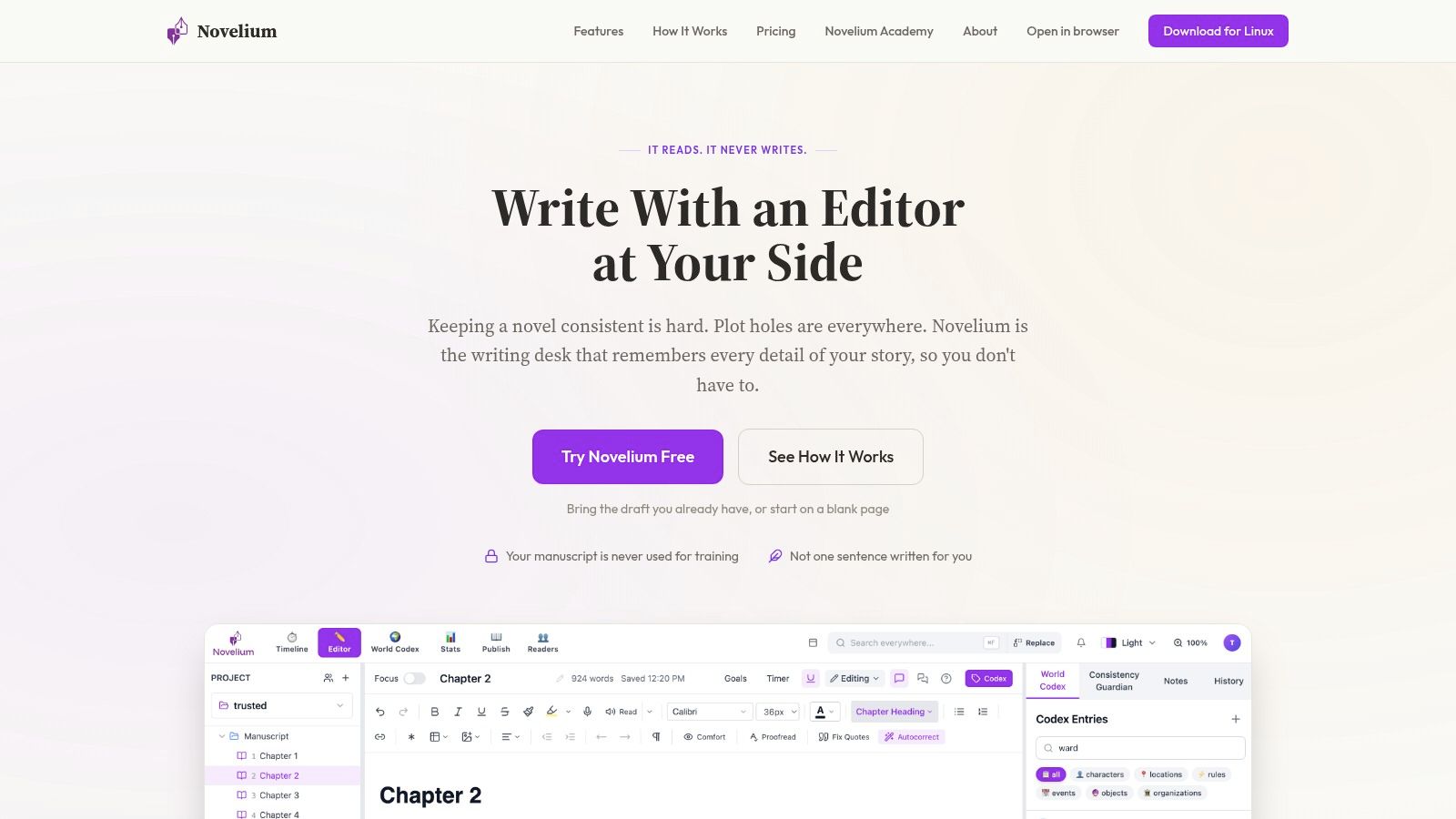
The misses it catches are the quiet ones. A pregnancy that runs eleven months is flagged when you enter the conflicting date. A character marked deceased is flagged the moment that name appears again. A necklace later described as a ring is caught at the sentence. The Timeline View builds the chronology from dates already in the text and checks impossible sequences, time jumps, and durations such as seasons and journeys. It tracks what each character knows at each moment, and it can answer a question about your own draft, such as what color someone's eyes were in a given chapter. Pacing analysis shows where the manuscript speeds up and slows down.
The Beta Reader Dashboard keeps progress, comments, drop-off, and shared complaints in the same workspace. Novelium will not write a sentence, paragraph, or chapter, and it will not suggest a plot change. Use it to find the break. It will not invent the repair. You can mark an issue and come back to it later.
Pros
- State, not just sequence: Knowledge, objects, and durations get checked, which is where long manuscripts break.
- Local processing: Manuscripts stay encrypted, are not used for training, and are processed on your machine.
Cons
- Install warning: Novelium is a new independent app, so Windows and macOS show a security warning during installation.
- Checker, not a drafter: It never writes prose and never proposes plot changes. You still fix the hole.
The free plan costs $0 and stays free. The site's call to action is Try Novelium Free. After you export, the next draft can stay in the app.
2. Aeon Timeline
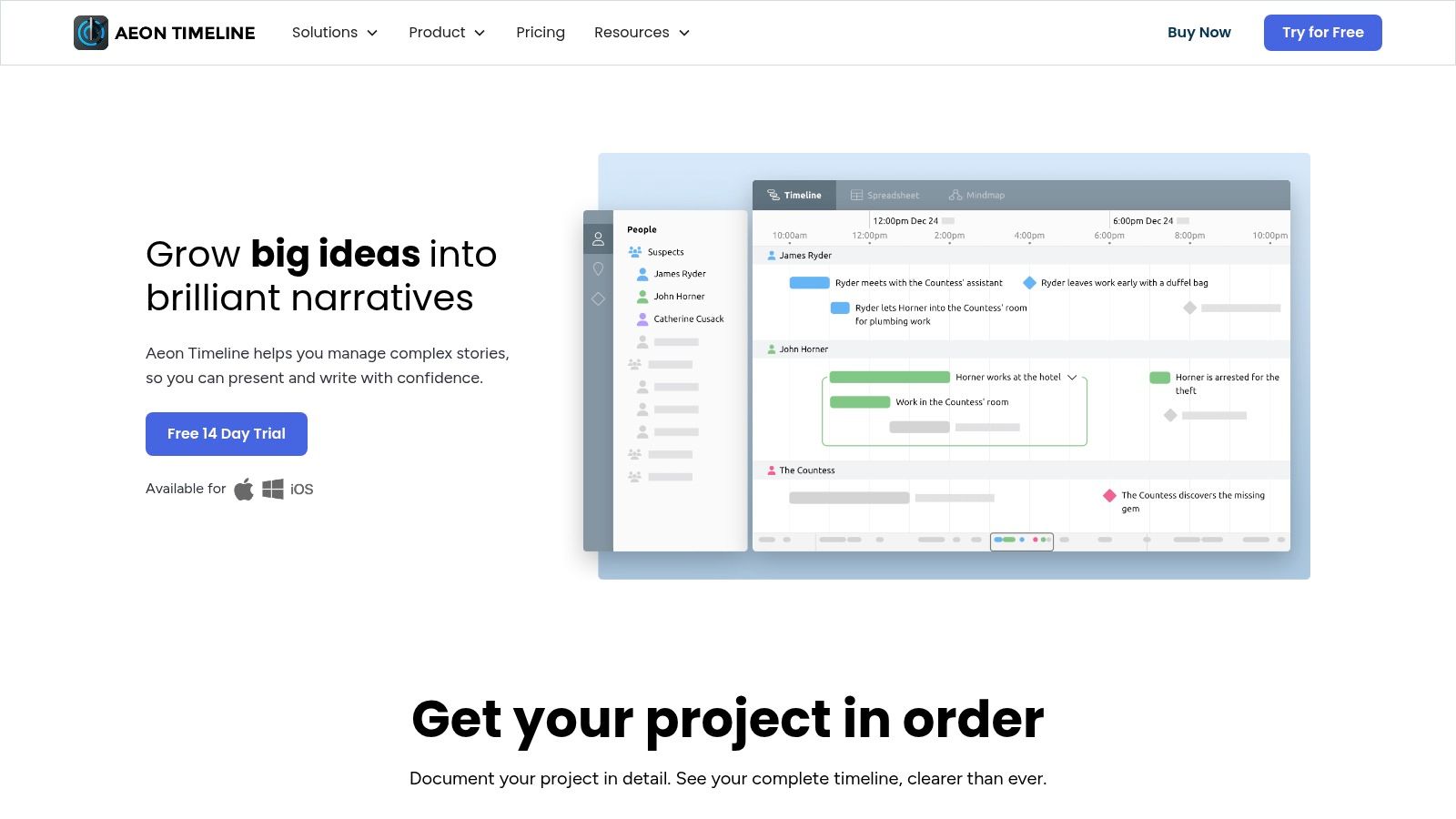
Aeon separates when things happen from the order readers encounter them. That distinction is where nonlinear plots live or die, and it's why this one stays on the list despite having no drafting environment at all. You can park undated events first and assign chronology later, run timescales from days to centuries, and track dependencies between characters and events. Scrivener sync works on Mac and Windows.
Precision is the pitch. Award bodies classify by exact numbers, and the SFWA Nebula classification rules set 40,000 words as the novel threshold, 17,500 to 39,999 as a novella, and 7,500 to 17,499 as a novelette. A tool that stores a three-week absence as three weeks can enforce it. One that stores a visual impression cannot.
Pros
- Braided plots stay legible: Flashbacks and parallel strands sit on separate tracks.
- Local by default: Timeline files stay on your machine.
Cons
- No prose editor: You'll write elsewhere and keep two apps synchronized.
- Setup is real work: Flexible means configured, and simultaneous edits on shared storage can conflict.
If the vocabulary around narrative order versus chronology is fuzzy, this timeline in fiction reference covers it. aeontimeline.com
3. Quille
Quille's timeline isn't a separate screen you visit once and abandon. Dates and durations attach to project pages, so an event opens the full page behind it, and parallel tracks run characters, factions, or plotlines alongside each other. You can move between board, list, document, and timeline views of the same project, which is what makes it usable for a long fictional history with several strands.
Pros
- Chronology with context: Every event is backed by the material it came from.
- Handles long spans: Custom eras and durations suit invented calendars and generational timelines.
Cons
- Apple only: Mac and iPhone, which rules out Windows-first workflows.
- It's a planner, not a checker: Quille displays the contradiction you already found. It won't find one for you.
4. StoryVue
StoryVue runs in a browser tab and puts its Master Timeline at the center, ordering scenes across plot strands with in-world dates, point of view, setting, and elapsed time between dated scenes. The feature worth your attention is scene-state tracking. A change recorded in an earlier scene carries forward, so you can see what a character is carrying, wearing, or knows at a given point.
The free tier includes the core planning app and the Master Timeline. Custom calendars and character timelines sit on the higher World Builder plan.
A scene-state system is only as good as your discipline. Skip one update and the model is confidently wrong.
Pros
- Free core: You can test the state model before paying.
- State plus sequence: Closer to what a finished draft needs than a beat sheet.
Cons
- Cloud account required: Not a fully offline desktop tool.
- Manual upkeep: Structured story information has to be entered and kept current.
5. Plottr
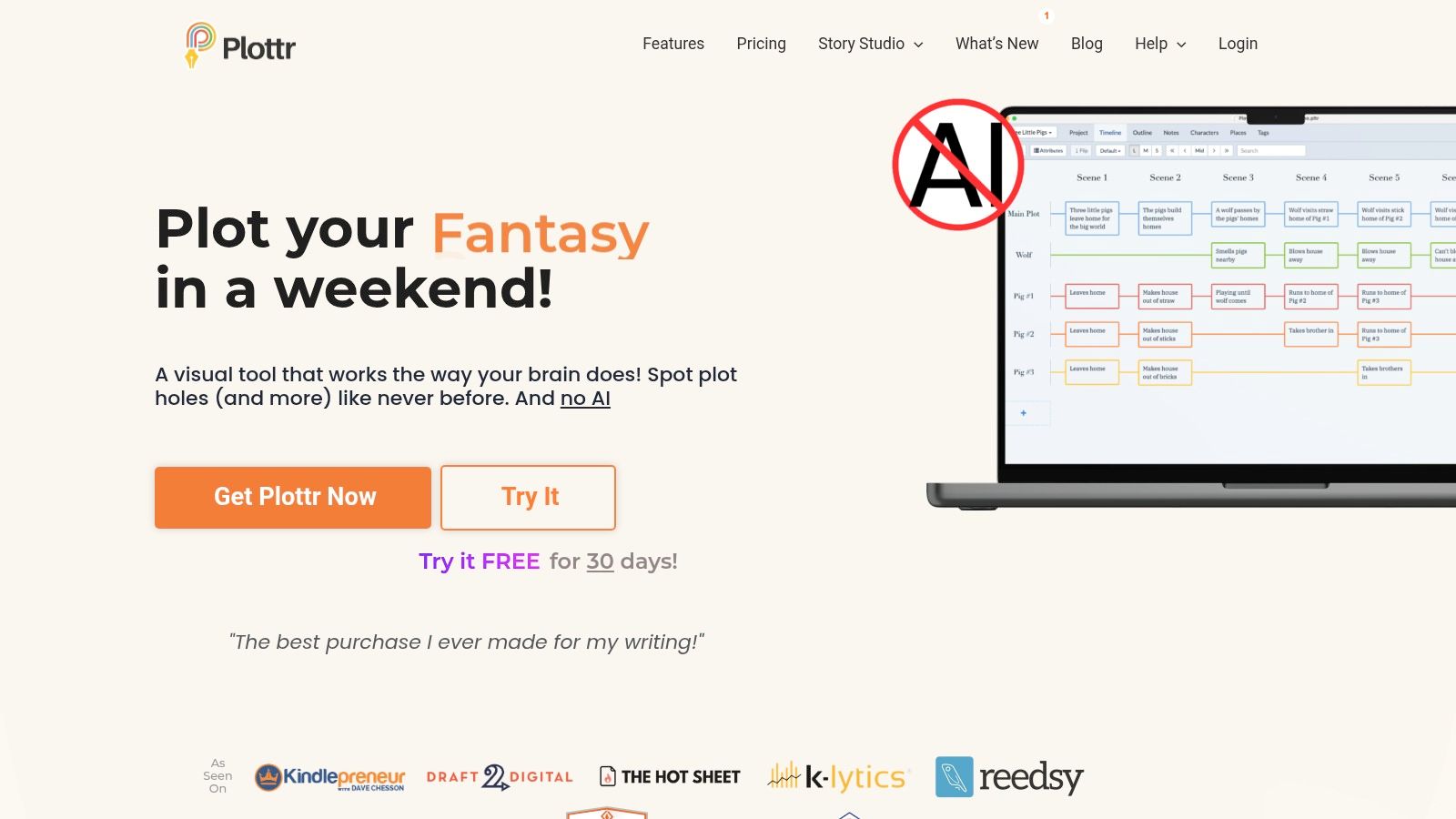
Plottr is a grid. Chapters or story beats run along one axis, plotlines along the other, and scene cards drag around and link to characters, places, tags, and custom attributes. For seeing where a subplot thins out or where a POV disappears for six chapters, nothing here is faster.
It doesn't measure anything. Research on fiction treats a novel as a sequence of measurable units, and a Cambridge study of relational arcs splits books into textual chunks, counts relationship types, normalizes occurrences per 1,000 chunks, and averages by genre. That's structural data. A grid is a planning approximation of it, and confusing the two is how writers end up with a tidy board and a draft that still contradicts itself.
Pros
- Fast visual overview: Subplot and character-arc distribution read at a glance.
- Offline desktop: Files live on the device.
Cons
- Not a chronology engine: Precise dates and durations aren't the job.
- No audit: It never reads your manuscript.
If you're deciding how much planning to do at all, plotters vs pantsers is the argument worth having with yourself. plottr.com
6. The Novel Factory
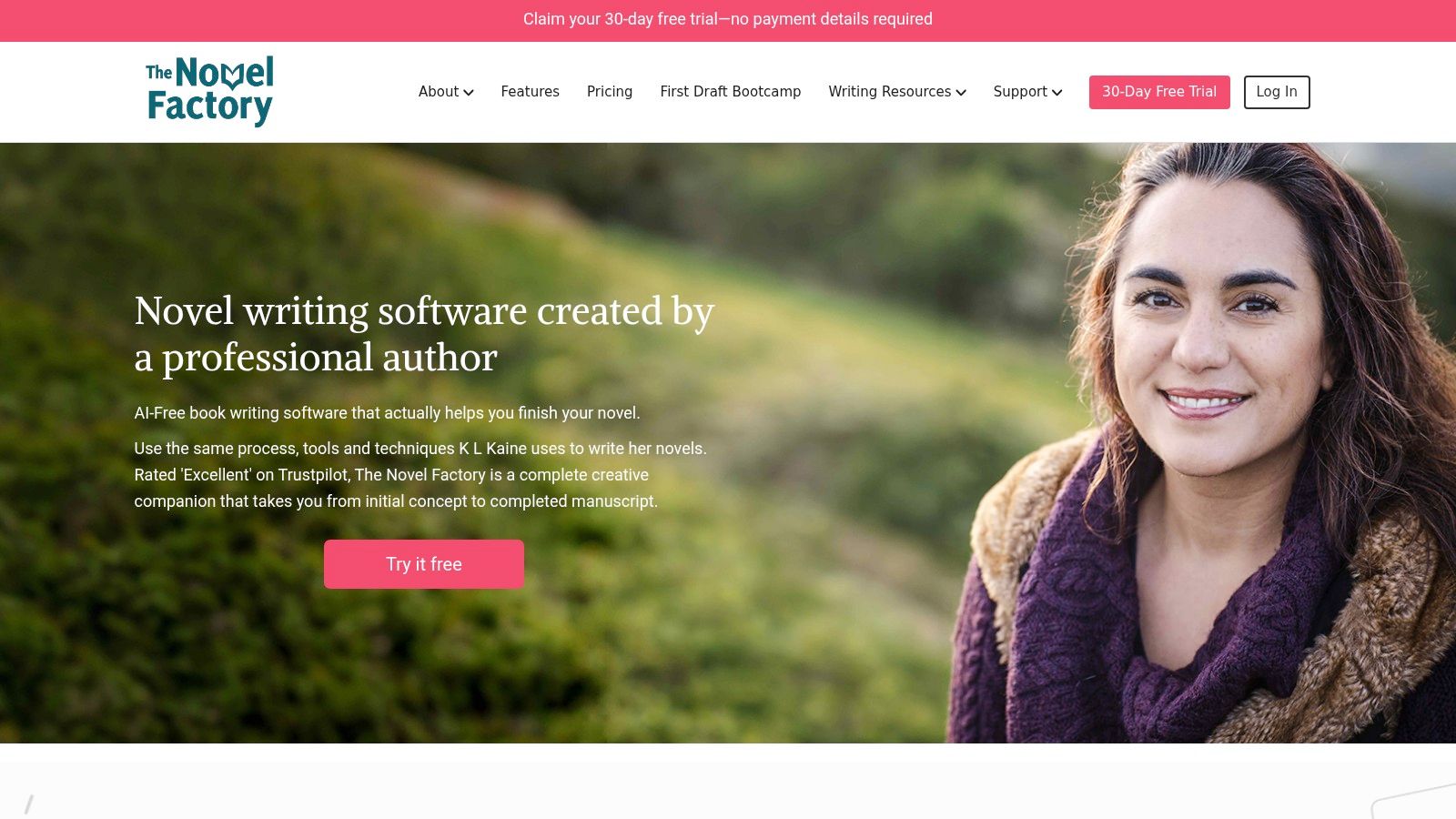
This one combines a Plot Manager, manuscript area, character and location records, and a timeline in a single subscription. Timeline entries link to scene information elsewhere, so editing a linked scene carries through to the other views. If you want a roadmap with prompts while you draft, it's a reasonable home base.
Buy it for the process, not the timeline. The chronology is a convenience feature bolted onto a guided writing course.
Pros
- Connected records: Timeline entries aren't orphaned from plot and manuscript data.
- Guided process: Useful if structure is your weak point and you want scaffolding.
Cons
- Weak at nonlinear chronology: Dense flashback structures need Aeon instead.
- You pay for everything: The 30-day trial takes no card, but the timeline alone doesn't justify a subscription.
7. Campfire
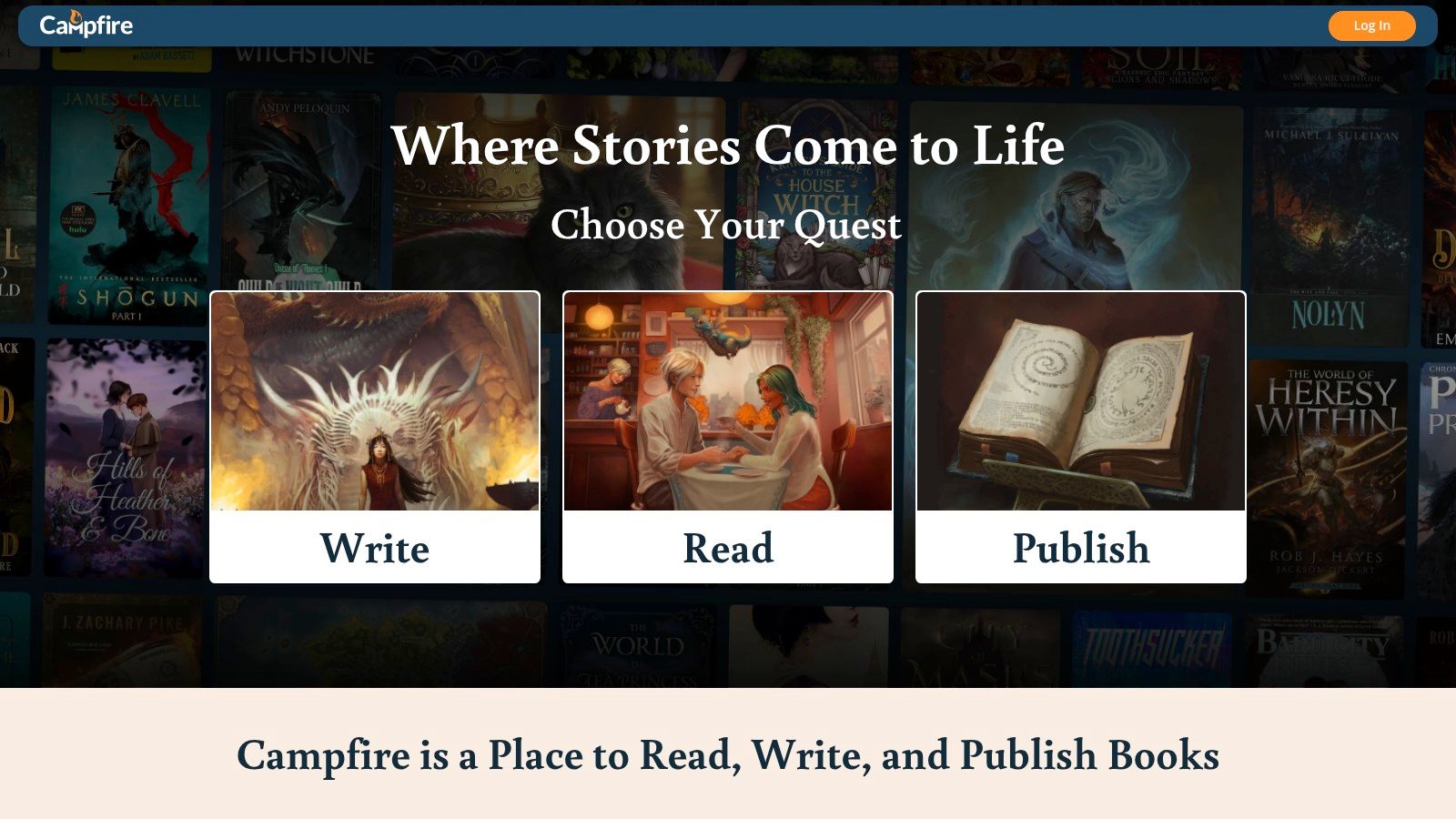
Campfire is a worldbuilding platform that contains a timeline, rather than a timeline with worldbuilding attached. Events carry descriptions, dates, and links to project elements, and they can be grouped by act or narrowed into character-specific tracks tied to the Arcs Module. Custom calendars handle invented time systems.
A free tier with 20 timeline events is a demo. Budget for the paid plan before you start typing.
Pros
- History and plot in one place: Setting history and story beats share a system.
- Everywhere: Browser, desktop, and mobile apps.
Cons
- 20 events is nothing: A long novel or a detailed setting history blows past the free limit fast.
- Read-only after downgrade: Work beyond the free limits locks if a paid plan ends.
8. NovelContinuity
The closest thing here to a purpose-built continuity checker for a drafted manuscript. It supports multiple timelines and merged views for braided plots, imports .txt and .docx with chapter-break detection, and records what happened, what readers learned, and what stayed hidden. That last distinction is the one most tools miss, because a character's knowledge and the reader's knowledge diverge constantly.
Access is the problem. It's in private beta, so you apply and wait.
Practical rule: if a tool can't tell you which chapter contains the contradiction, it's a visualizer, not a checker. Here's what a timeline error actually is.
Pros
- Built around reveals: Scene-level event tracking matches how novels work.
- Merged timelines: Cross-cut sequences get a real view.
Cons
- Not generally available: Beta access by application.
- Outside processing: Advanced automated analysis sends chapter text to a third-party API, which is a genuine consideration for contract work and ghostwritten projects.
9. NovelOS Studio
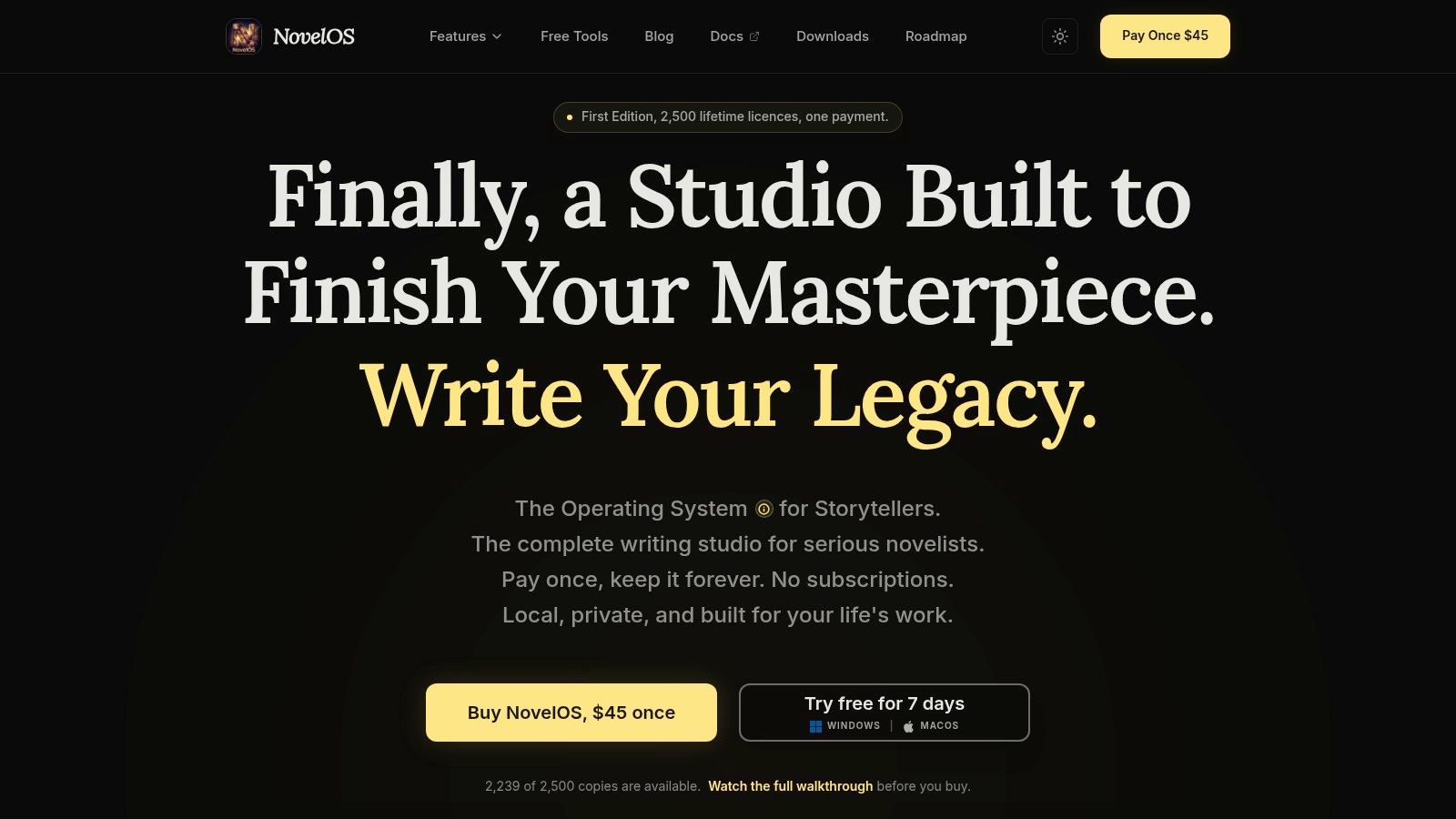
A local-first desktop app that keeps drafting, characters, worldbuilding, a plot board, maps, and a visual scene timeline in one environment. The timeline places scenes against the days of the story, which is the view you want when one chapter covers four days and the next covers an afternoon.
Pros
- One-time purchase: No subscription to renew.
- Local projects: Files stay on the device, and sync is your call.
Cons
- Thin track record: Newer and smaller, with little third-party review history.
- No automatic sync: Phone projects move by manual file transfer, and optional generative features need your own API key.
10. Novalist
Free, open source, offline-first, and it runs on Windows, macOS, and Linux. The timeline covers acts, chapters, scenes, and manual events with day, week, month, and year views. Projects live as ordinary files in a folder, so you can back them up or put them under version control yourself.
Pros
- Free and open source: Nothing lapses if a company changes direction.
- File-based storage: Git and independent backups work without an export step.
Cons
- Mobile is unfinished: Android is an early alpha, and iPhone and iPad aren't available.
- Technical overhead: Version-control workflows carry a learning curve, and there's less review evidence than commercial options.
How the ten tools differ on continuity checking, planning focus, and free access
Outlines are the wrong sort key. Two of these ten audit a draft for contradictions. StoryVue sits in the middle: it tracks scene-state changes, and deeper chronology checks depend on the plan. The other seven organize a story you still have to police yourself. Free access is just as uneven, so the table answers that column instead of shrugging.
| Item | Best for | Free option | Automatic continuity checks |
|---|---|---|---|
| Novelium | Manuscript consistency and story tracking | Free plan costs $0 and is free forever | Yes; flags timeline conflicts, contradictions, and character knowledge gaps as you write |
| Aeon Timeline | Complex chronology and nonlinear plots | Paid only | No; timeline planning and analysis, not manuscript continuity checks |
| Quille | Mac and iPhone story planning with parallel timelines | Paid only | No; not a manuscript-continuity checker |
| StoryVue | Browser-based scene planning and story-state tracking | Free tier includes the core planner and Master Timeline | Tracks scene-state changes; detailed chronology checks depend on plan |
| Plottr | Visual outlining and plotline organization | Paid only | No; not an automatic continuity auditor |
| The Novel Factory | Guided novel planning with linked project records | 30-day free trial | No; planning records, not an automatic manuscript audit |
| Campfire | Worldbuilding, plot beats, and character arcs | Free tier includes up to 20 timeline events | No; worldbuilding and arcs, not automatic manuscript checks |
| NovelContinuity | Manuscript continuity audits and intersecting timelines | Private beta; no public free plan | Yes; continuity audits and analysis |
| NovelOS Studio | Local-first drafting and scene timeline planning | Paid only | No; scene planning, not automatic continuity checks |
| Novalist | Free, offline novel writing and timeline planning | Free and open source | No; timeline planning, not automatic continuity checks |
I use Novelium or NovelContinuity when the job is a draft that already contradicts itself. Aeon, Plottr, Campfire, and the other planners are the wrong buy for that job. They earn a place only when the problem is structure you have not written yet.
Pick the Tool That Catches the Error Before Your Beta Readers Do
Length is the argument. The Boston Public Library fiction publishing guide gives novels a 50,000 to 110,000-word range and works from roughly 250 words per printed page, which puts an 80,000-word manuscript near 320 pages. That isn't one timeline. It's hundreds of scene-level states that have to stay mutually compatible after you move a chapter and change what day it happens on.
Testing any of these is a small experiment, and you should run it like one. Pick a chapter you already know is broken, time how long the tool takes to surface that specific error, and count the false alarms it raises alongside it. Usability benchmarks give you a frame: MeasuringU's benchmark compilation reports an average task-completion rate of 78% across more than 1,100 usability tasks, and an average System Usability Scale score of 68 across 500 datasets. A tool scoring under those numbers is costing you more than it saves.
Precision matters more than ease here. A checker that flags forty things and is wrong about thirty is worse than no checker, because you'll learn to ignore it within a week and then miss the one that mattered.
Then match the tool to the job. If your problem is planning a nonlinear structure, Aeon earns its place on your desk. If your problem is a finished draft contradicting itself in chapter nineteen, planning tools are the wrong purchase and always were. If your ebook or manuscript files fail to import during a trial, fix the file before you blame the software.
The free plan costs $0 and is free forever, which makes the test cheap.
Start with a manuscript you already suspect has a hole in it, import it, and watch which contradictions surface without you pointing at them. Novelium reads your draft on your device, builds the chronology from the dates already in your text, and flags the moment a character knows something too early or reappears after you killed them off. Visit Novelium and run the free plan against a chapter you've already edited twice.